How to Remove Yourself From the Internet (2026 Checklist)
You can't delete yourself from the internet completely, but you can erase the parts that let strangers find you with this 7-step checklist.

Key takeaways
- You can't delete yourself from the internet completely, but you can erase the parts that lead a stranger to your front door by removing people-search listings, Google results, and data broker files.
- [object Object]
- Opt-outs don't stay done. Your information can reappear when public records change, so re-check on a schedule every 3, 6 or 12 months.
You can't delete yourself from the internet. Not completely. But you can erase the parts that lead a stranger to your front door.
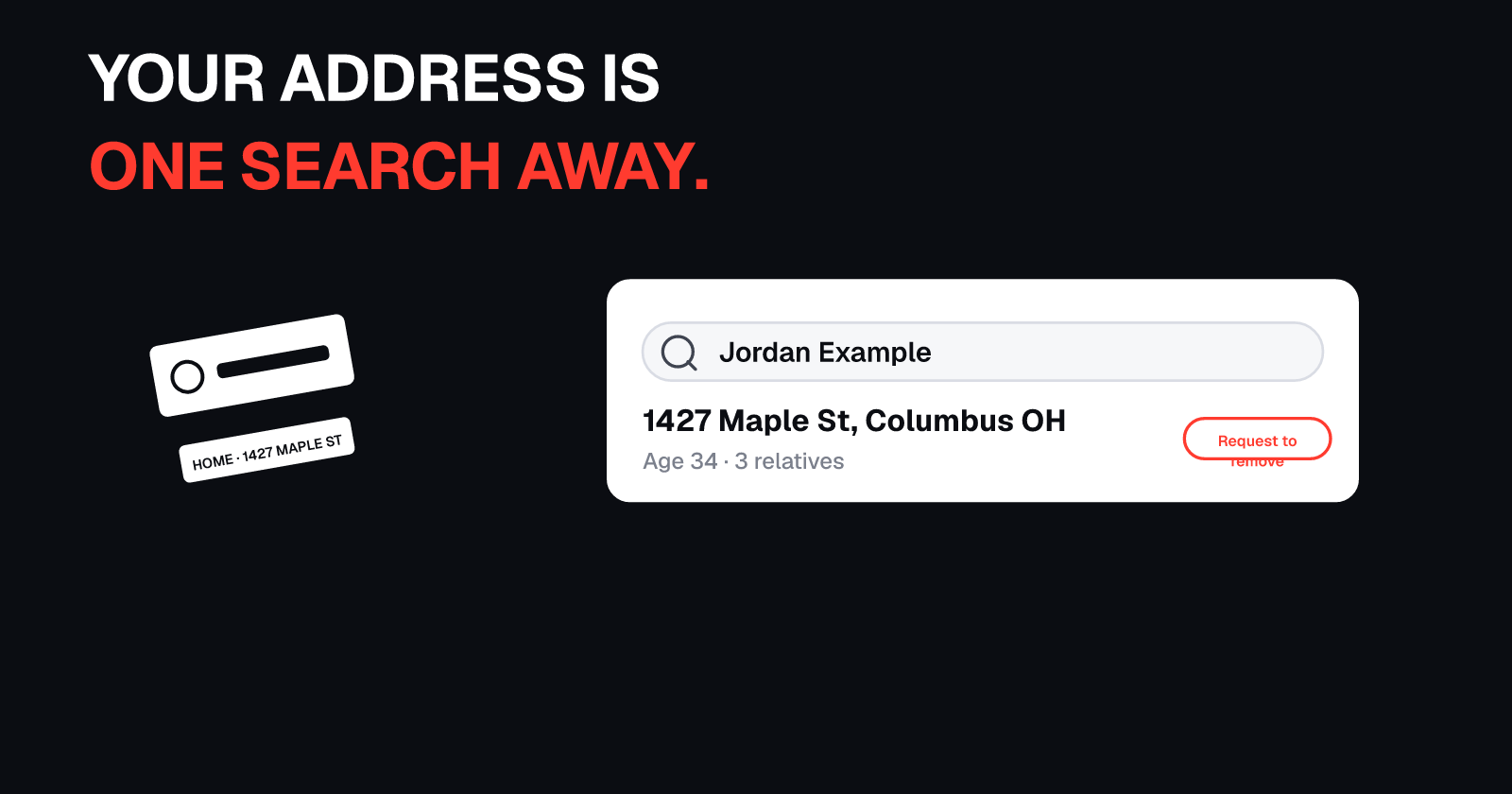
Search your name and your city right now. For many people, the top results aren't their own profiles. They're people-search sites showing your address, your phone number, and your relatives. Those listings come from data brokers. California alone has over 600 of them registered (CalPrivacy).
So here's the full checklist, in the order that actually works. Seven steps. And step seven decides whether any of this lasts.
Last updated: October 30, 2026
Can you completely remove yourself from the internet?
No. Public records, news articles, and government websites usually stay. Google won't remove most of those results. What you can do is remove the people-search listings that put your address on page one, the Google results that point to them, and the hidden data broker files that feed them.
For most people, that's enough. The stranger who could find your home address in four minutes will stop at an empty search page instead.
Where should you start?
Step 1: See what a stranger sees.
Search your name in quotes, plus your city. Then your phone number. Then your email address. Write down every site that shows something about you. That list is your map. Every step after this works from it.
For example, our fictional character Jordan Hale (41, Tampa, Florida) searched his own name and found his home address on page one. He's fictional, like every screen in this video and guide, but the process is real.
Our free people-search check shows which people-search sites list your address and phone.
How do you get off people-search sites?
Step 2: The people-search sites.
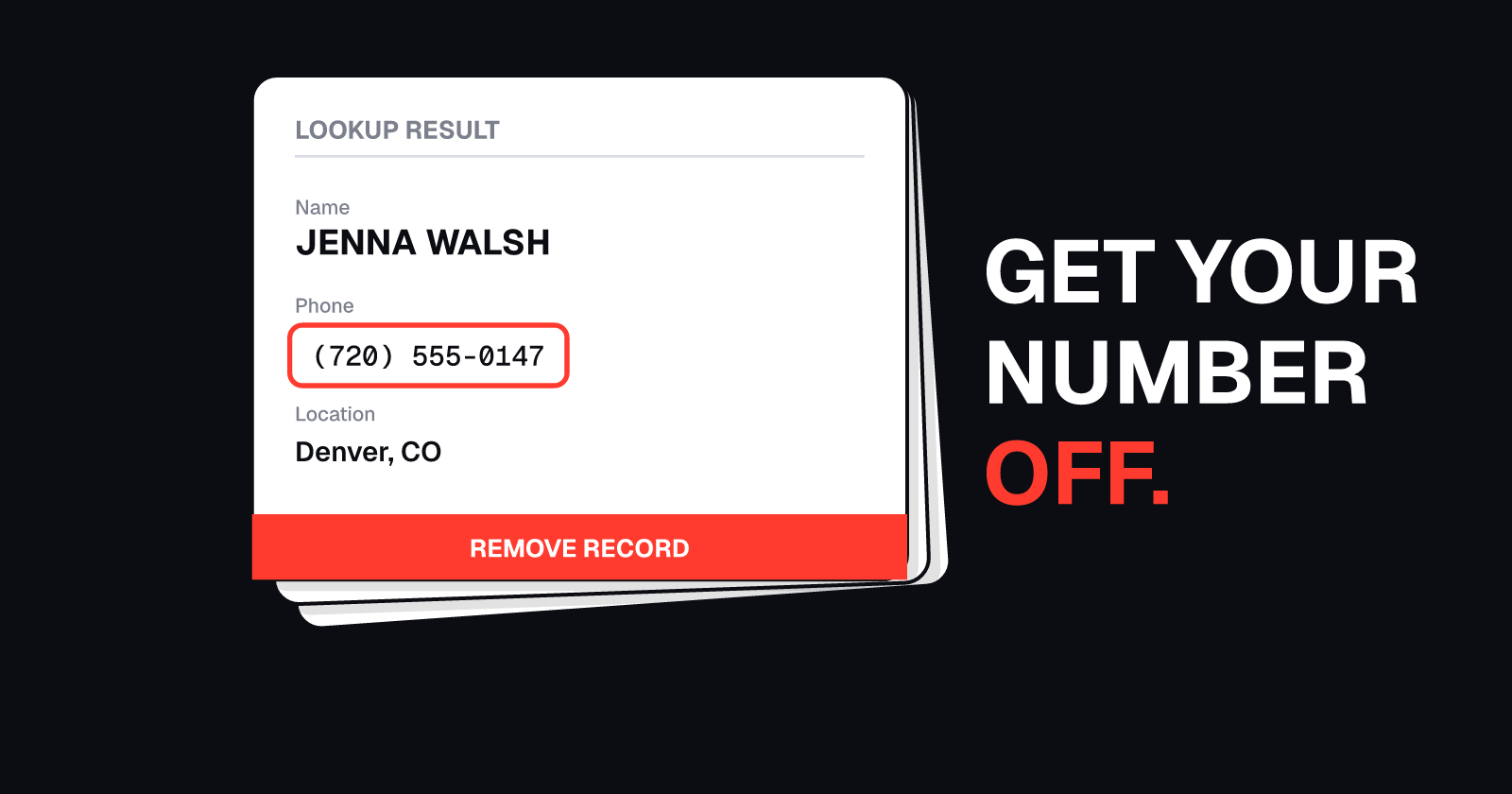
These are the sites that put your address on page one. The FTC says most of them let you opt out (FTC). Find your listing, find the opt-out link, and repeat. Site by site.
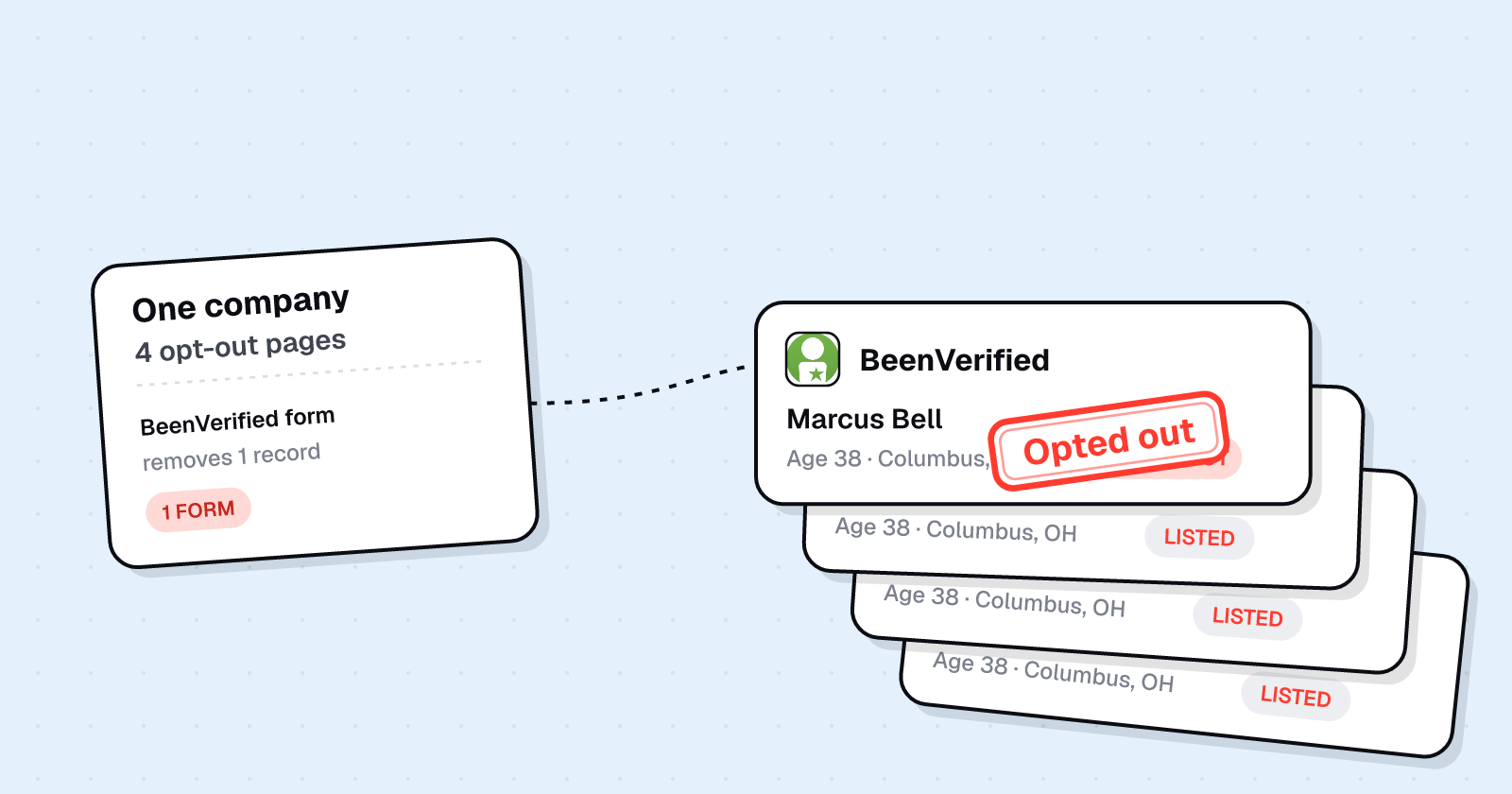
Start with the big ones. Privacy Guides points out that most of these sites are run by a small handful of companies (Privacy Guides). So one opt-out can clear several sites at once.
We've covered Whitepages, Spokeo, BeenVerified, and TruePeopleSearch in detail:
And even done by hand, it's not perfect. In a Consumer Reports study published in August 2024, manual opt-outs worked only 70% of the time (Consumer Reports).
For the complete walkthrough of 15 major sites, see our full guide to removing your personal information from the internet.
Does Google's Results about you remove your info from the internet?
Step 3: Google's Results about you.
Google has a free tool called Results about you. Add your name, address, phone, and email. It watches search for pages that show them, and you can request removal right there.
Over 10 million people have used it (Google Blog, Feb 2026). But Google says it plainly: removing a result doesn't mean the info is gone from the internet. It still sits on the source page. That's why step two comes first.
Our step-by-step guide to removing your address from Google covers setup, alerts, and removal requests.
What about data brokers you can't search?
Step 4: The brokers you never see.
Not every data broker runs a site you can search. Many sell your data behind the scenes, to marketers and to other brokers.
If you live in California, there's a shortcut. The state's free DROP tool sends one deletion request to over 600 registered data brokers (CalPrivacy). And they have to delete your data again every 45 days.
Everywhere else, it's broker by broker. Look for the privacy request or opt-out page on each one.
Read our complete DROP guide to learn how California residents can use this free tool.
Should you delete old accounts?
Step 5: Old accounts.
That forum you joined years ago. The shop you ordered from once. Forgotten accounts still hold your name, your email, sometimes your address.
And they're easy targets. Google found abandoned accounts are at least 10 times less likely to have two-step verification on (Google Blog, May 2023). Delete what you don't use. Lock down the rest.
What can't you erase?
Step 6: Breaches.
Some copies of you can't be erased. Breached data is already out there. Have I Been Pwned holds over 17 billion breached accounts (HIBP).
Check your email there. Change any reused password. Turn on two-factor. And if your Social Security number leaked, freeze your credit at all three bureaus. It's free (IdentityTheft.gov).
See our guide on what to do when your email is in Have I Been Pwned and how to freeze your credit.
Why does your info come back, and how often should you re-check?
Step 7: Keep it off.
This is the step most checklists skip. Opt-outs don't stay done. The FTC warns that when your public records change, your information can reappear on people-search sites (FTC).
So check again, on a schedule. Privacy Guides suggests every three, six, or twelve months (Privacy Guides). Consumer Reports says twice a year (Consumer Reports).
Jordan? He opted out of nine people-search sites, filed his Google removals, deleted old accounts, and froze his credit. Four months later, his address was back on two sites.
Our 30-day plan to delete yourself from the internet breaks this down into a daily schedule.
Quick recap
- Search yourself: your name in quotes plus your city, then phone, then email
- Opt out of people-search sites one by one, starting with the big ones
- Use Results about you to remove Google results (doesn't remove source pages)
- Reach hidden brokers: California DROP or each broker's opt-out page
- Delete old accounts you don't use; lock down the rest
- Lock down breaches: check HIBP, change passwords, two-factor, freeze credit
- Keep it off: re-check every 3, 6, or 12 months
Or let UndoLeak do the heavy lifting
UndoLeak erases your data from data brokers and keeps it off.
It sends removal requests for you, keeps checking the sites on a schedule, and re-files when a listing comes back. Start with a free scan at undoleak.com.
Free checklist
- Search Google for your name + city, phone, and email
- Write down every site showing your information
- Set up Google Results about you with all your details
- Opt out of Whitepages, Spokeo, BeenVerified, TruePeopleSearch, and other sites on your list
- California residents: file a DROP request at privacy.ca.gov/drop
- Delete old accounts you don't use
- Check your email on Have I Been Pwned
- Change reused passwords and turn on two-factor authentication
- Freeze your credit if your SSN leaked (all three bureaus, free)
- Set calendar reminders to re-check every 3-6 months
- Re-check immediately after moving or changing your phone number
Conclusion
You can't erase yourself from the internet, but you can make yourself much harder to find. The listings that show your address exist because nobody has done this work yet. Start with Google's Results about you, work through people-search opt-outs, file DROP if you're in California, and put your re-check dates on your calendar.
Which step are you starting with?
Sources
Accessed October 30, 2026.
- Federal Trade Commission, "What To Know About People Search Sites That Sell Your Information," https://consumer.ftc.gov/articles/what-know-about-people-search-sites-sell-your-information
- Privacy Guides, "Data Removal Services," https://www.privacyguides.org/en/data-broker-removals/
- Consumer Reports, "Services That Delete Your Data From People-Search Sites Don't Work Very Well, Study Finds" (Scott Medintz, Aug. 8, 2024), https://www.consumerreports.org/electronics/personal-information/services-that-delete-data-from-people-search-sites-review-a2705843415/
- Google Search Help, "Find and remove personal info in Google Search results," https://support.google.com/websearch/answer/12719076
- Google Blog, "Stay in control of your personal information online" (Phoebe Wong, Feb. 10, 2026), https://blog.google/products-and-platforms/products/search/results-about-you-government-id-numbers/
- California Privacy Protection Agency, "DROP," https://privacy.ca.gov/drop/
- California Privacy Protection Agency, "Personal information and data brokers," https://privacy.ca.gov/drop/personal-information-and-data-brokers/
- Federal Trade Commission, "FTC Recommends Congress Require the Data Broker Industry to be More Transparent..." (May 27, 2014), https://www.ftc.gov/news-events/news/press-releases/2014/05/ftc-recommends-congress-require-data-broker-industry-be-more-transparent-give-consumers-greater
- Google Blog, "Updating our inactive account policies" (Ruth Kricheli, May 16, 2023), https://blog.google/technology/safety-security/updating-our-inactive-account-policies/
- Have I Been Pwned, https://haveibeenpwned.com/
- IdentityTheft.gov, "Data Breach," https://www.identitytheft.gov/databreach
Disclaimer: Jordan Hale and every listing, form, and screen shown are fictional recreations, not real people or screenshots. General information, not legal advice. UndoLeak is not affiliated with Google, the FTC, CalPrivacy, Consumer Reports, Privacy Guides, or Have I Been Pwned.
Frequently asked questions
Can you completely remove yourself from the internet?
No. Public records, news articles, and government websites will stay. But you can erase most people-search listings that show your address and phone number, making you much harder for strangers to find.
Where should you start?
Start by searching your name in quotes plus your city, then your phone number, then your email address. Write down every site that shows something about you. That list becomes your map for opting out.
How do you get off people-search sites?
Each site has a free opt-out form. Find your listing, copy the URL, paste it into the opt-out page, and confirm by email or phone. Start with the big ones since a handful of companies run most sites.
Does Google's Results about you remove your info from the internet?
No. It removes the Google search result, not the source page. That's why you should opt out of people-search sites first, then use Results about you to hide the Google results.
What about data brokers you can't search?
If you live in California, use DROP (the Delete Request and Opt-out Platform). One free request goes to over 600 registered data brokers. Elsewhere, find each broker's privacy request or opt-out page.
Should you delete old accounts?
Yes. Forgotten accounts still hold your name, email, and sometimes your address. Delete what you don't use. Lock down the rest with unique passwords and two-step verification.
What can't you erase?
Breached data is already out there. Check your email on Have I Been Pwned, change reused passwords, turn on two-factor authentication, and freeze your credit if your Social Security number leaked. All three bureaus offer free freezes.
Why does your info come back, and how often should you re-check?
Opt-outs don't stop sites from collecting new records, like a new address or a relative's report. Privacy Guides suggests re-checking every 3, 6 or 12 months. Consumer Reports recommends about twice a year.
undoleak Team