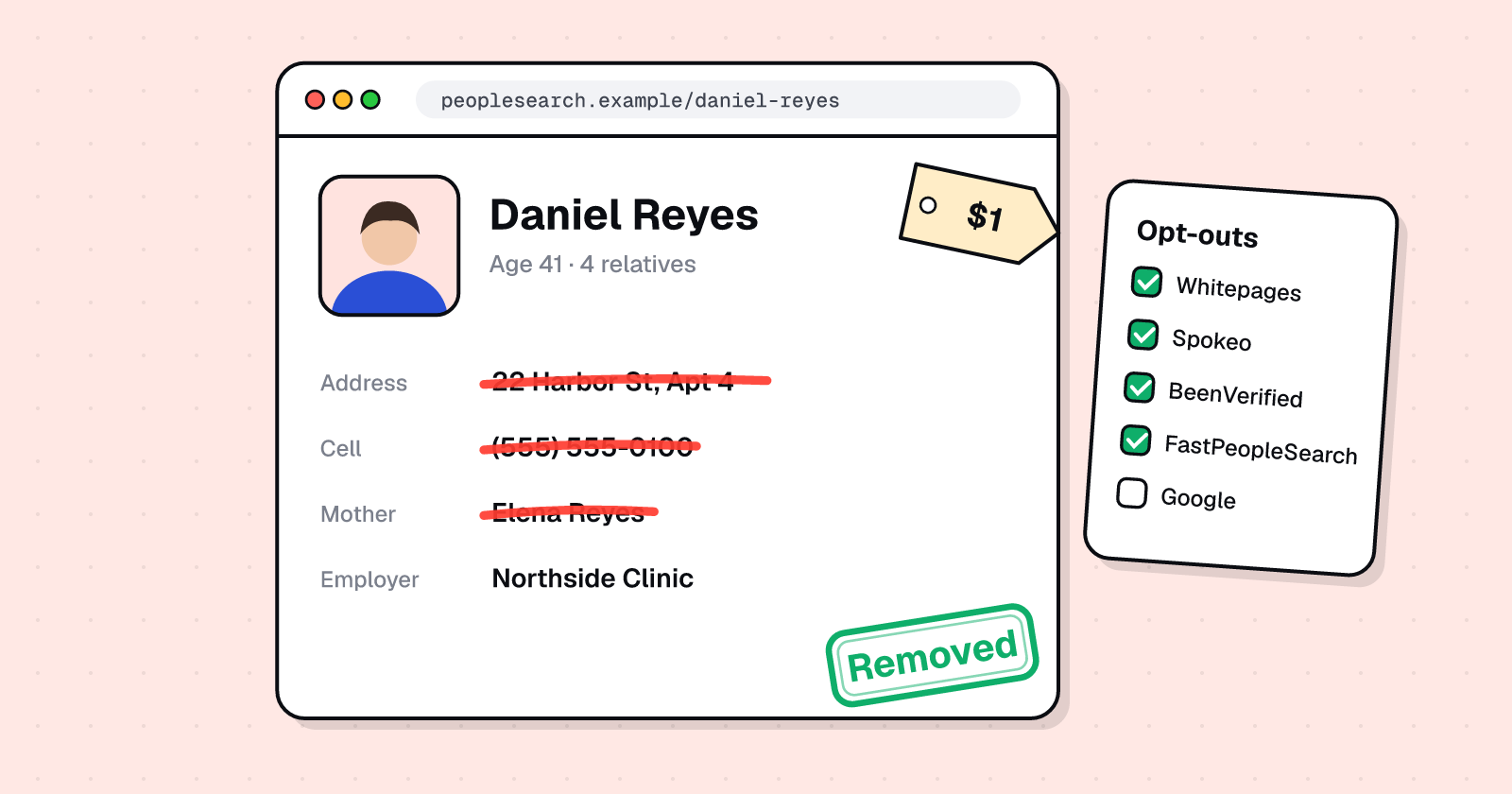
People-search sites
How to Remove Your Personal Information From the Internet (Complete 2026 Guide)
Free step-by-step guide: remove your address from Google, opt out of Whitepages, Spokeo, BeenVerified and 12 more sites, and use California DROP.
MMyLife·People-search site
To remove yourself from MyLife, submit a request at mylife.com/privacyrequest, or email privacy@mylife.com with your name and a link to your profile. MyLife may push you to create an account and upload a driver's license; you don't need to give more than the profile link and your name to start.
Free first check · Results stay private
Find your profile
Search your name on mylife.com and copy the URL of your profile page.
Send a privacy request
Use the MyLife privacy request form, or email privacy@mylife.com with your name and the profile URL, asking for the profile to be removed.
Be careful with ID requests
MyLife may ask you to create an account and upload a driver's license. If you do, cover everything except your name and photo.
Follow up by phone if needed
Some people report being asked to call (888) 704-1900. Have your profile URL ready.
Check the profile URL
Visit the profile link again after a week. If it still loads, reply to your original request.
Official page: MyLife privacy request ↗
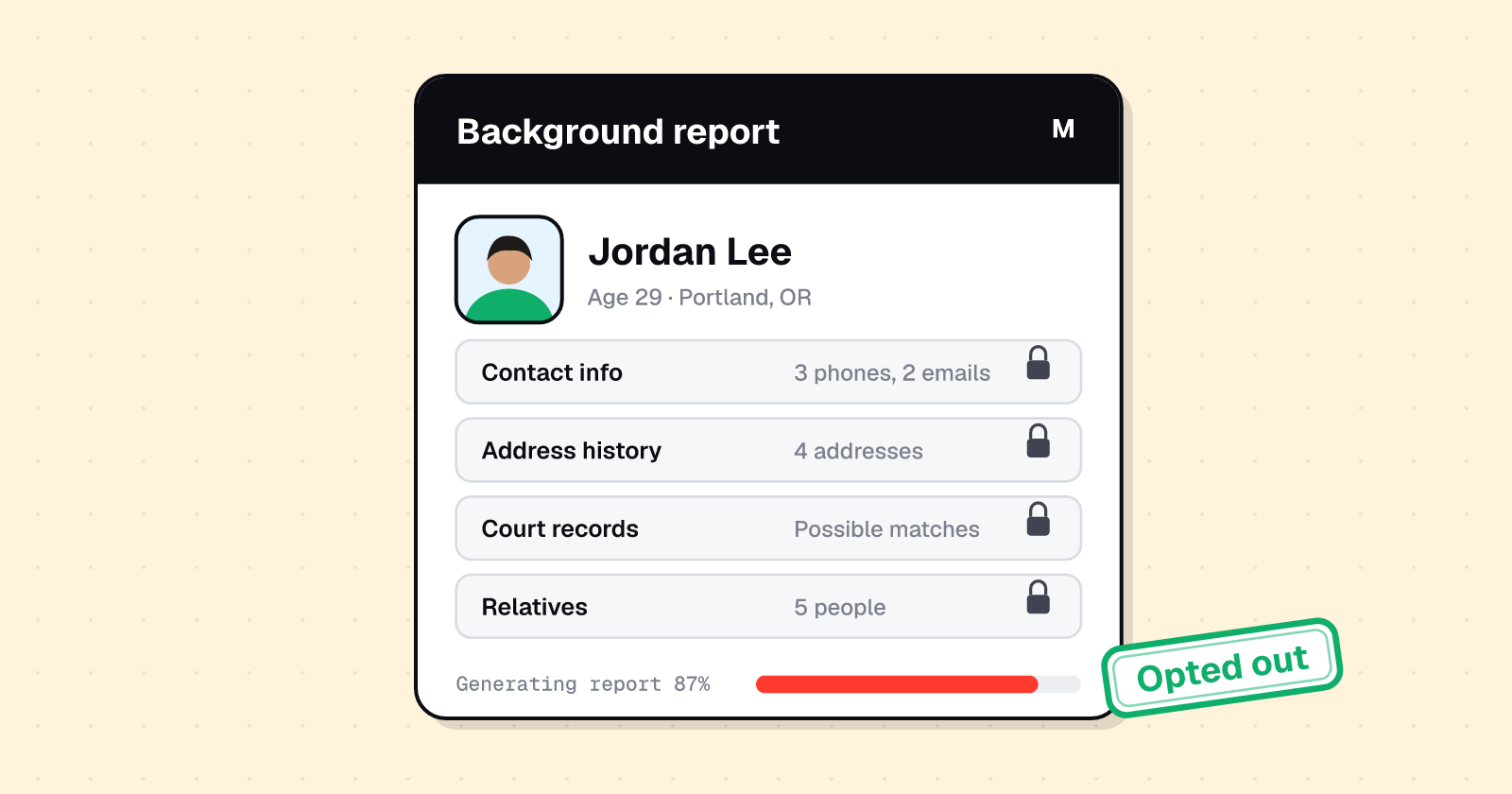
MyLife can show your home address, age, relatives, reputation score and court records. MyLife is known for 'reputation profiles' that combine contact details with a score and court records, which many people find upsetting to discover.
Its removal process has changed several times and isn't always consistent. Keep a copy of every email you send and the date, so you can follow up.
Finds every listing
We search MyLife for every profile tied to your name, phone, email and past addresses, including duplicates and family listings the opt-out form won't show you.
Files and confirms the opt-out
We submit the removal, handle the verification steps, and check that the listing is actually gone.
Watches for it coming back
People-search sites re-add records from public data. We recheck MyLife and file again whenever your listing returns.
Covers the copycat sites
The same records show up on other people-search sites. One scan covers them along with MyLife.
Yes. MyLife's opt-out is free. You never need to buy a report or a subscription to remove your information.
MyLife doesn't publish a timeframe. Search again after a few days, and follow up if your information is still there after two weeks.
It can. MyLife keeps adding records from public and commercial sources, so a new listing can appear after a move, a new phone number or a data refresh. Check again every few months.
Not right away. Google can show an old snippet until it recrawls the page. Once the MyLife page is gone, you can ask Google to refresh the result. See our Google removal guide.
Last reviewed . Removal processes change often; if a step looks different, follow the site's current instructions.
Free step-by-step guide: remove your address from Google, opt out of Whitepages, Spokeo, BeenVerified and 12 more sites, and use California DROP.
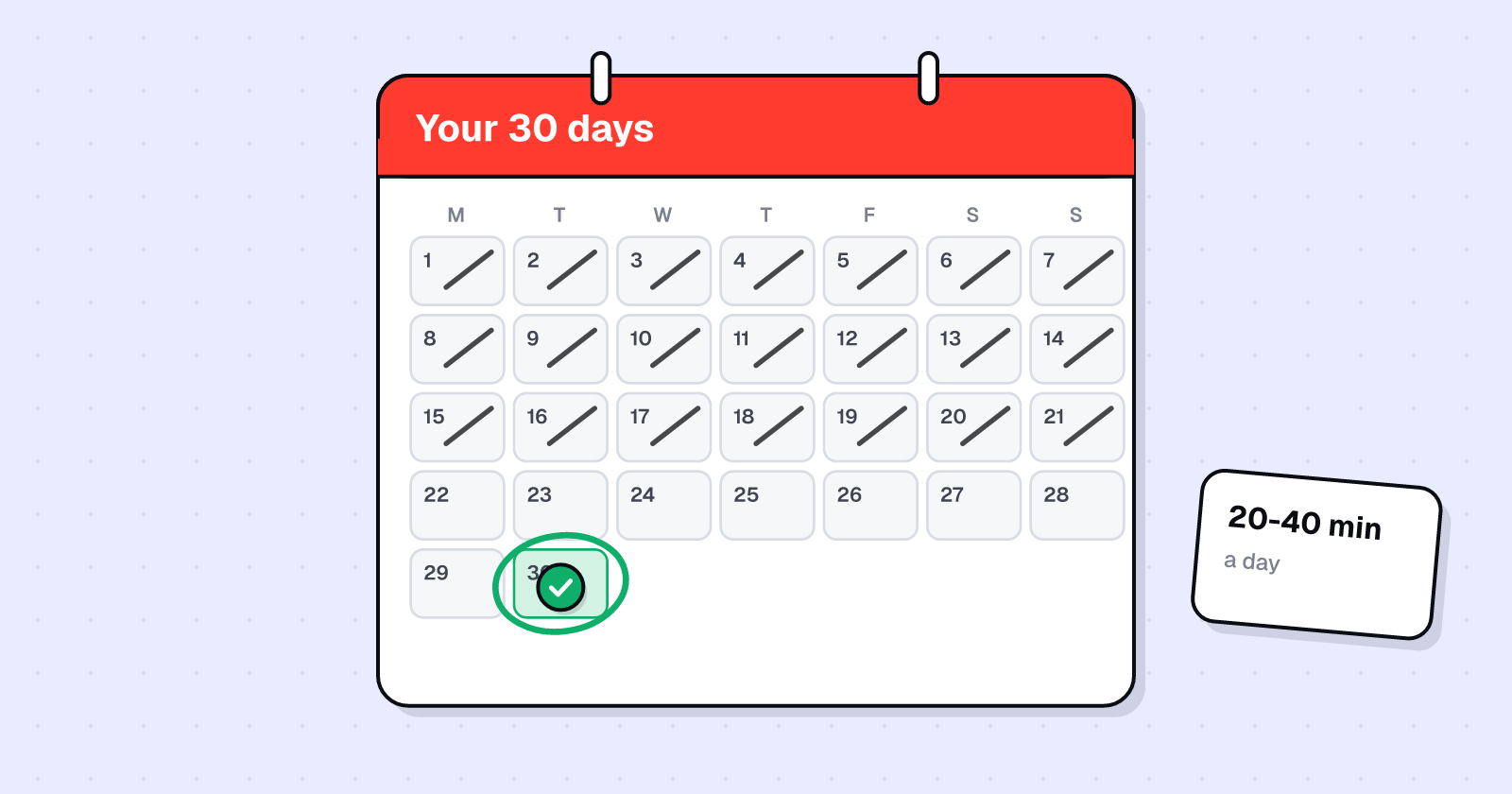
A realistic day-by-day plan to delete yourself from the internet in 30 days at 20 to 40 minutes a day: accounts, people-search sites, Google, upkeep.
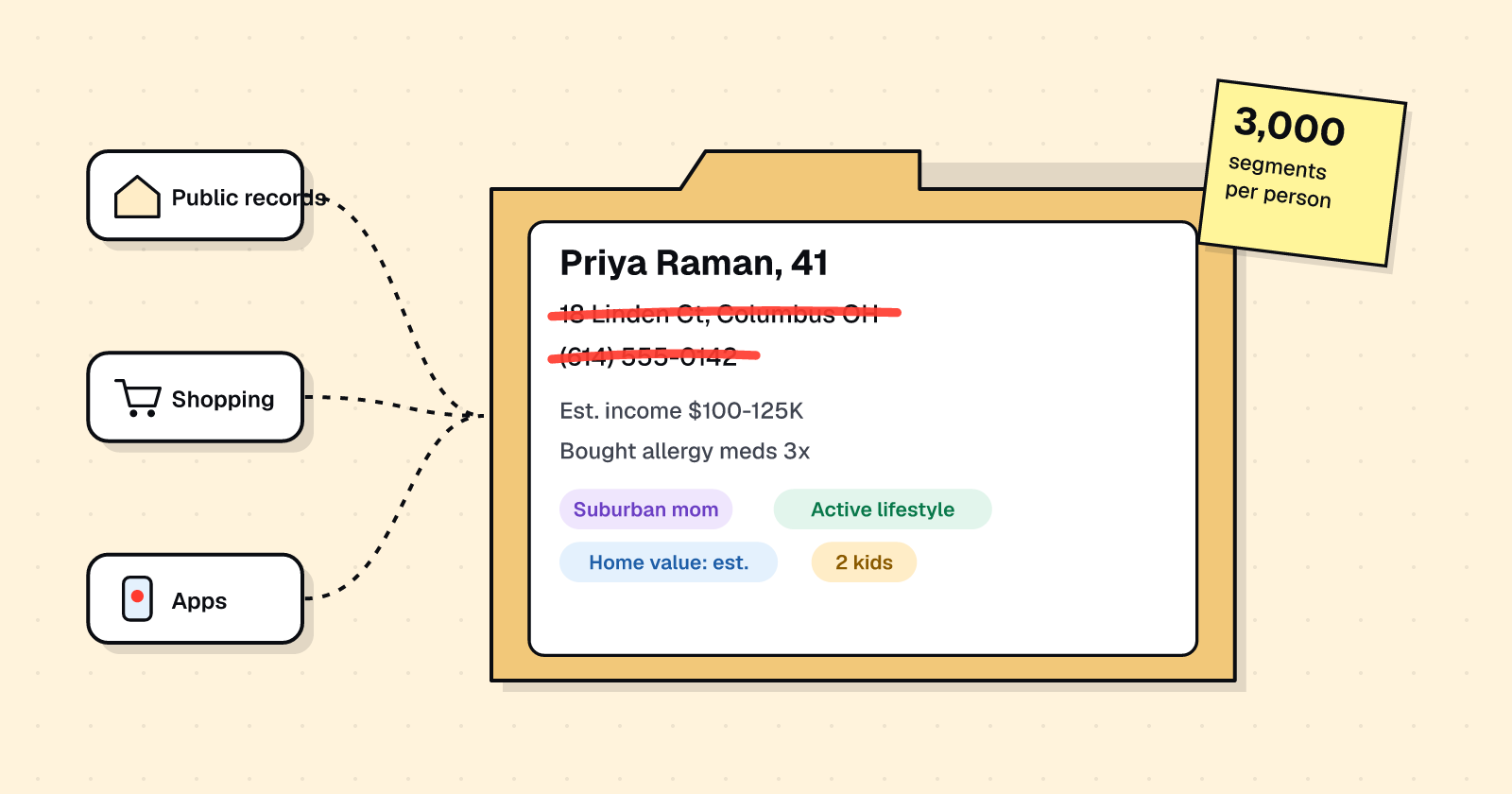
What's in a data broker file: contact details, relatives, purchases, inferred traits and location. Where it comes from, and how to cut it.
 SpokeoOpt out of the people-search site that sells your phone, address and relatives.
 WhitepagesSuppress your free and Premium listings, including the phone verification step.
 BeenVerifiedOpt out of background-check reports that list your address, phone and family.CCheckPeopleOpt out of the people-search site that shows your home address and phone number.PPeopleFindersOpt out of the people-search site that shows your home address and phone number.CClustalOpt out of the people-search site that shows your home address and phone number.