How to Opt Out of PimEyes (and Why One Photo Can Find You)
PimEyes opt out: upload a face photo and anonymized ID. Why one photo can find you, and what the 2024 smart glasses demo showed.

Key takeaways
- To opt out of PimEyes, go to pimeyes.com/en/opt-out, upload a clear photo of your face (more than one angle is recommended), upload an anonymized scan of a government ID or passport with everything but the photo hidden, and give an email for the confirmation letter.
- PimEyes says opt-out removes your likeness from current and future searches on PimEyes. It does not remove the photos from the websites where they were posted.
- 404 Media reported in October 2024 that two Harvard students built I-XRAY on Meta's Ray-Ban smart glasses with PimEyes and other tools, going from a face to a name, phone number, and home address. They said they are not releasing the code.
- The New York Times tested PimEyes in 2022 on a dozen of its journalists, with consent, and reported that it found photos of every person, even in sunglasses, a mask, or with a face turned away.
- Ars Technica reported that an attempt to identify 404 Media reporter Joseph Cox with I-XRAY did not work because he had opted out of PimEyes. Other face search sites and people-search sites have their own opt-outs.
Last updated: October 28, 2026. Based on PimEyes' opt-out page and removal blog (2026), PimEyes' privacy policy (updated April 23, 2026), 404 Media, The Verge and Ars Technica (October 2024), The New York Times (May 2022), and The Washington Post (November 2024).
Your face is a search term.
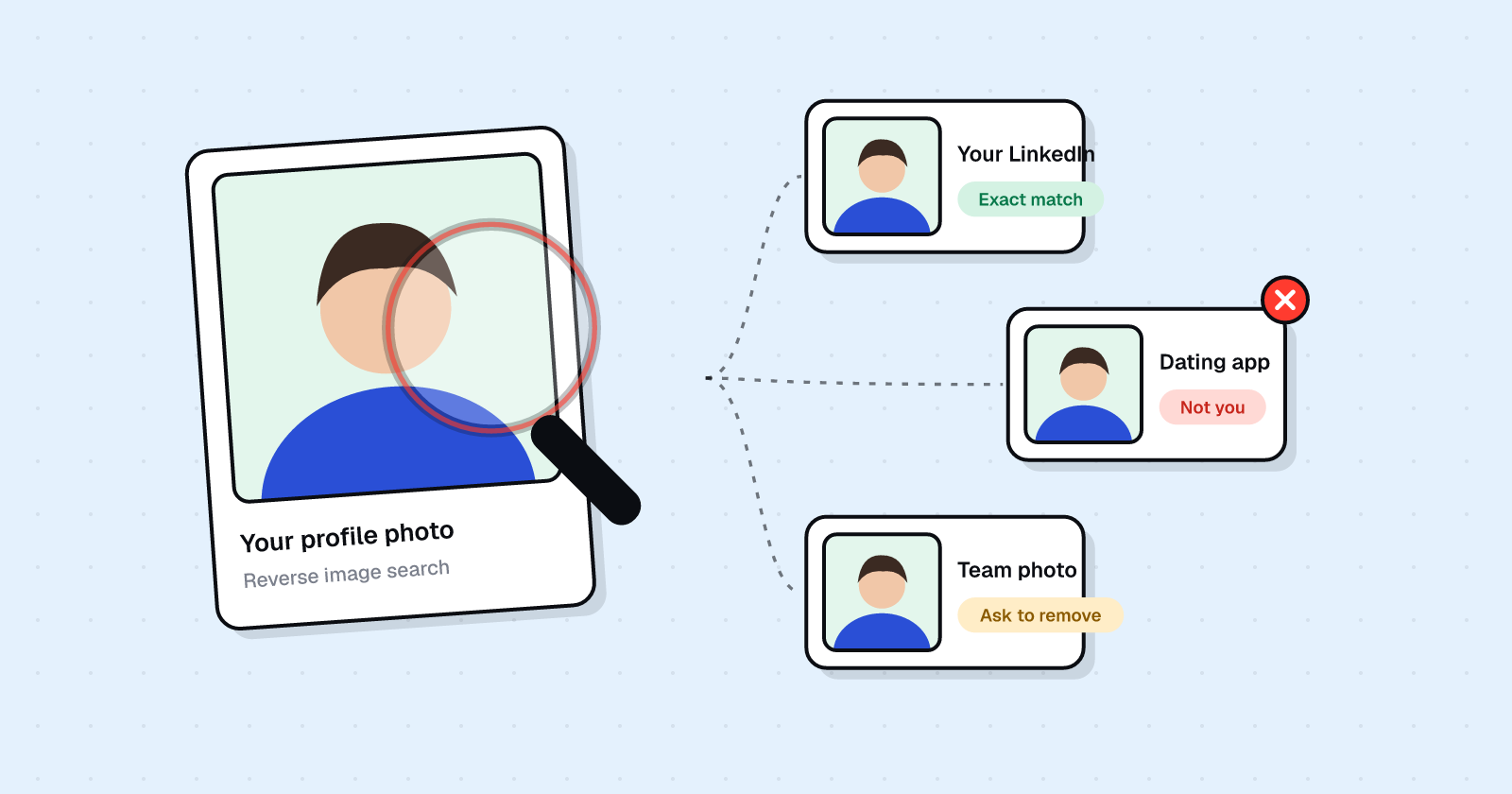
A face search engine can take one photo of you and find other photos of that same face online. That is reverse face search, and it is different from reverse image search: it is not looking for copies of one file. It is looking for you.
In 2024, 404 Media reported that two Harvard students wired that kind of search into a pair of Meta smart glasses. Their demo, called I-XRAY, used PimEyes "and some other tools" so someone could "automatically go from face, to name, to phone number, and home address." They said they are not releasing the code.
The same reporting also showed a limit. Ars Technica wrote that an attempt to identify 404 Media reporter Joseph Cox did not work, because he had opted out of PimEyes.
This guide is the practical PimEyes opt out: how to remove your face from PimEyes, what that request does and does not do, and why one photo can still find you on other sites.
Watch: Can someone find you from one photo?
This video walks through the 2024 smart glasses demo and the PimEyes removal steps.
What is PimEyes?
PimEyes is a face search engine. Anyone with access can upload a picture and look for other public photos of that face.
PimEyes says it does not "identify" people. As Ars Technica reported in October 2024, PimEyes says it only points to links to photos, where a viewer can often find a name.
The New York Times reported in 2022 that PimEyes does not include results from social media sites. The photos it found came from news articles, wedding photography pages, review sites, and blogs.
If you want to search for copies of a specific file, rather than other photos of your face, use reverse image search tools such as Google Lens, Bing Visual Search, and TinEye. Our guide to finding your photos online covers that workflow.
Can someone find me from a picture?
Often, yes.
In May 2022, Kashmir Hill of The New York Times published "A Face Search Engine Anyone Can Use Is Alarmingly Accurate." The Times used PimEyes on the faces of a dozen Times journalists, with their consent.
The Times reported:
"PimEyes found photos of every person, some that the journalists had never seen before, even when they were wearing sunglasses or a mask, or their face was turned away from the camera, in the image used to conduct the search."
One foreign correspondent appeared "in the blurry background of a photo taken of someone else at a Greek airport in 2019."
That is the gap between "I never posted that" and "a stranger can still find me." A face search engine does not need a photo you uploaded. It needs a photo of you, taken by anyone, sitting on a public page.
What the 2024 smart glasses demo showed
On October 2, 2024, 404 Media (Joseph Cox) reported that two Harvard students built I-XRAY on Meta's commercially available Ray-Ban smart glasses.
According to 404 Media, the project "marries Meta's smart Ray Ban glasses with the facial recognition service Pimeyes and some other tools" and lets someone "automatically go from face, to name, to phone number, and home address." 404 Media also reported that the glasses pulled family members, that the students tested the setup "in some cases on unsuspecting people in the real world," and that they are not releasing the code.
The Verge described the chain this way: the glasses livestream to Instagram, a program uses AI to identify faces, and those photos are fed into public databases to find names, addresses, phone numbers, and relatives. The Verge reported that the students were shown chatting up complete strangers on public transit. It also reported that Meta's privacy light, which turns on when the glasses record, can be hard to notice in bright light.
Ars Technica reported that the students cross-searched people-search databases and used a large language model to combine the data, and that they tested the technology at a subway station. Ars also reported PimEyes' response: PimEyes says it does not "identify" people, it only links to photos.
This is smart glasses facial recognition as a demo, not a product you can buy. The students said they built it to show what existing tools already make possible.
Why the glasses failed on one reporter
Ars Technica reported that an attempt to use I-XRAY to identify 404 Media reporter Joseph Cox "didn't work because he'd opted out of PimEyes."
That is the reason this page exists. PimEyes removal will not hide you from a camera. It can stop this particular face search engine from turning that camera into a name, a number, and a door.
Ars Technica also reported that the students' document explained how to remove faces from PimEyes and FaceCheck.ID, and from people-search sites including FastPeopleSearch, CheckThem, and Instant Checkmate. Each of those sites has its own opt-out. One PimEyes request does not cover them.
How to opt out of PimEyes
PimEyes publishes two paths. The full opt-out is the one that hides your likeness from current and future searches. There is also a per-image exclusion from search results.
PimEyes' blog, "How to remove your images from PimEyes search results" (updated 2026), says of the opt-out: "This feature is free of charge, and it will permanently remove your likeness from both current and future searches."
Step 1. Go to the opt-out page
Open the PimEyes Opt-Out Request Form at pimeyes.com/en/opt-out.
Step 2. Upload a clear photo of your face
PimEyes asks for a clear photo of your face. The opt-out page says: "For better results, please upload more than one photo to include different face angles."
Use a photo that already looks like you in public. PimEyes says it uses the picture to search for face fingerprints it already has from public websites.
Step 3. Upload an anonymized scan of your ID or passport
PimEyes asks for an anonymized scan of a government ID or passport for identity confirmation. Hide everything except the photo. Cover the name, address, date of birth, ID number, and any other printed details.
PimEyes' blog says it wants a government-issued ID (ID, passport, or driving license) "with sensitive details hidden, so that only your photo is visible."
Step 4. Give an email for the confirmation letter
The opt-out form asks for an email so PimEyes can send a confirmation letter. PimEyes' privacy policy also says a telephone number may be requested "to communicate in case of such need."
What happens after you submit
PimEyes says the opt-out "will permanently remove your likeness from both current and future searches." It also says "the removal from PimEyes search results does not mean that these images will be removed from the original websites where the images were found."
PimEyes' blog notes that images can have different index combinations, "so sometimes it's a good idea to request removal several times using the image that shows your search results." If a photo of you still appears after the first request, it may be worth repeating the opt-out with that photo.
In a November 1, 2024 Washington Post column, a reporter who submitted the opt-out wrote that PimEyes confirmed the reporter's face was removed from search results within about 48 hours, and that the confirmation email said the reporter might need to repeat the opt-out with more photos.
PimEyes' privacy policy (updated April 23, 2026) says that for opt-out, it retains uploaded data for "no more than 96 hours" to carry out the request, then permanently removes that personal data and keeps only a record of the request and the steps taken.
The per-image option
If you only want one result gone, PimEyes describes a second path from search results:
- Select the image directly from the search results.
- Choose exclude from public results.
- Indicate the reason for removal.
PimEyes says the image "will be permanently deleted from PimEyes within 48 hours after your request is approved."
That is a per-image exclusion, not a full likeness opt-out. Use the opt-out form if you want current and future searches to stop matching your face.
What PimEyes removal does not do
PimEyes opt-out is PimEyes removal only.
- It does not take photos down from news sites, wedding galleries, blogs, or review pages.
- It does not hide you from other face search engines.
- It does not remove your name, address, or phone number from people-search sites.
- It does not stop someone from photographing you in public.
To find copies of a specific photo and request takedowns at the source, use how to find out if your photos are online. To work through people-search listings, start with how to remove your personal information from the internet.
Other face search sites and people-search sites
Ars Technica reported that the I-XRAY students' document pointed people to opt-outs on FaceCheck.ID and on people-search sites including FastPeopleSearch, CheckThem, and Instant Checkmate.
Those sites do not share a form with PimEyes. If you want to be harder to find from a photo, treat each one as a separate request:
- FaceCheck.ID has its own face-search opt-out.
- FastPeopleSearch and Instant Checkmate are people-search sites with their own removal forms.
- CheckThem, named in the same student document, also has its own process.
No extra claim is being made here about how those other forms work. Open each site's current opt-out page and follow it.
UndoLeak erases your data from data brokers and keeps it off. Face search is one path to a name and an address. We handle the people-search listings that fill in the rest, then keep checking so they stay off.
Sources
404 Media, Joseph Cox, "Someone Put Facial Recognition Tech onto Meta's Smart Glasses to Instantly Dox Strangers" (October 2, 2024): https://www.404media.co/someone-put-facial-recognition-tech-onto-metas-smart-glasses-to-instantly-dox-strangers/
The Verge, Victoria Song, "College students used Meta's smart glasses to dox people in real time" (October 2, 2024): https://www.theverge.com/2024/10/2/24260262/ray-ban-meta-smart-glasses-doxxing-privacy
Ars Technica, Ashley Belanger, "Harvard students make auto-doxxing smart glasses to show need for privacy regs" (October 2, 2024): https://arstechnica.com/tech-policy/2024/10/harvard-students-make-auto-doxxing-smart-glasses-to-show-need-for-privacy-regs/
The New York Times, Kashmir Hill, "A Face Search Engine Anyone Can Use Is Alarmingly Accurate" (May 26, 2022): https://www.nytimes.com/2022/05/26/technology/pimeyes-facial-recognition-search.html
PimEyes, Opt-Out Request Form (accessed October 28, 2026): https://pimeyes.com/en/opt-out
PimEyes, "How to remove your images from PimEyes search results" (updated 2026): https://pimeyes.com/en/blog/how-to-remove-your-images-from-pimeyes-search-results
PimEyes, Privacy Policy (updated April 23, 2026): https://pimeyes.com/en/privacy-policy
The Washington Post, "They made a public Rolodex of our faces. Here's how I tried to get out." (November 1, 2024): https://www.washingtonpost.com/technology/2024/11/01/face-search-privacy-pimeyes/
Not affiliated with PimEyes, Meta, Ray-Ban or any company mentioned.
Frequently asked questions
How do I opt out of PimEyes?
Go to the PimEyes Opt-Out Request Form at pimeyes.com/en/opt-out. Upload a clear photo of your face (PimEyes recommends more than one angle), upload an anonymized scan of a government ID or passport with everything but the photo hidden, and give an email for the confirmation letter.
Does opting out of PimEyes delete my photos from the internet?
No. PimEyes says opt-out permanently removes your likeness from current and future PimEyes searches. It also says removal from PimEyes search results does not mean the images are removed from the original websites.
Can someone find me from a picture?
A face search engine can match one photo of your face to other photos of you on public websites. 404 Media reported in 2024 that a demo built on Meta smart glasses used PimEyes and other tools to go from a face to a name, phone number, and home address. The New York Times reported in 2022 that PimEyes found photos of every journalist it tested, even in sunglasses or a mask.
What is PimEyes?
PimEyes is a face search engine. You upload a photo of a face, and it looks for other photos of that face on public websites. Ars Technica reported that PimEyes says it does not identify people and only links to photos. The New York Times reported that PimEyes does not include results from social media sites.
What is I-XRAY?
I-XRAY is the name two Harvard students gave a 2024 demo that, according to 404 Media, used Meta's Ray-Ban smart glasses with PimEyes and other tools so someone could automatically go from a face to a name, phone number, and home address. The students said they built it to show what is possible and are not releasing the code.
How do I remove my face from PimEyes if I only want one photo gone?
PimEyes describes a second option besides a full opt-out: from search results, select an image and choose exclude from public results. PimEyes says the image is permanently deleted from PimEyes within 48 hours after the request is approved.
Does PimEyes keep the photo and ID I upload to opt out?
PimEyes' privacy policy, updated April 23, 2026, says that in the case of opt-out it retains uploaded data for no more than 96 hours to carry out the request, then permanently removes that personal data and keeps only a record of the request and the steps taken.
Is the PimEyes opt-out enough on its own?
No. PimEyes removal only affects PimEyes search results. Other face search sites, such as FaceCheck.ID, and people-search sites have their own opt-outs. The photos themselves stay on the sites that host them unless you get those sites to take them down.
undoleak Team