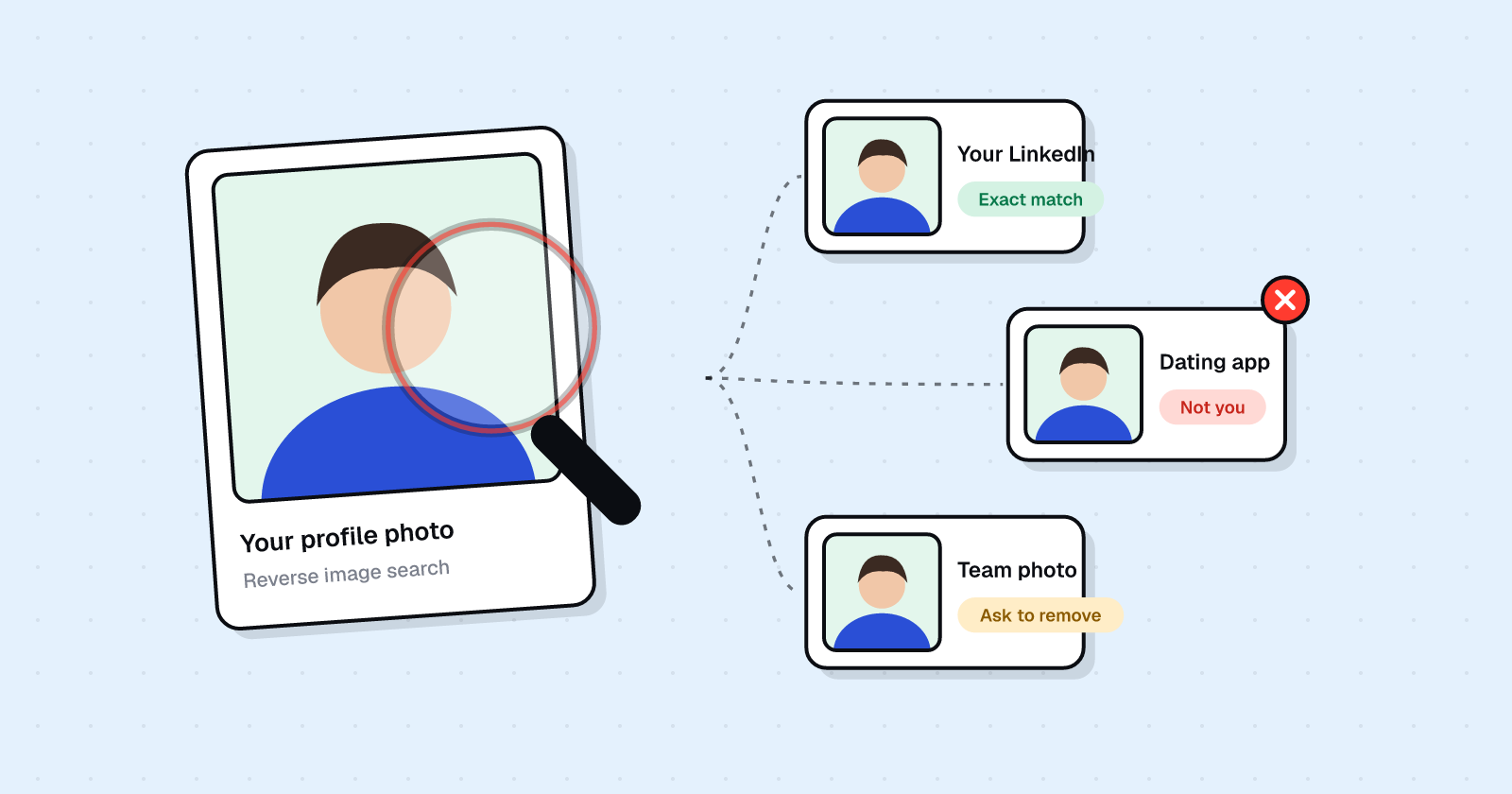
Photos
How to Find Out if Your Photos Are Online (and Remove Them)
How to reverse image search yourself with Google Lens, TinEye and Bing, what face-search sites can find, and how to get unwanted photos taken down.
PPimEyes·Face search engine
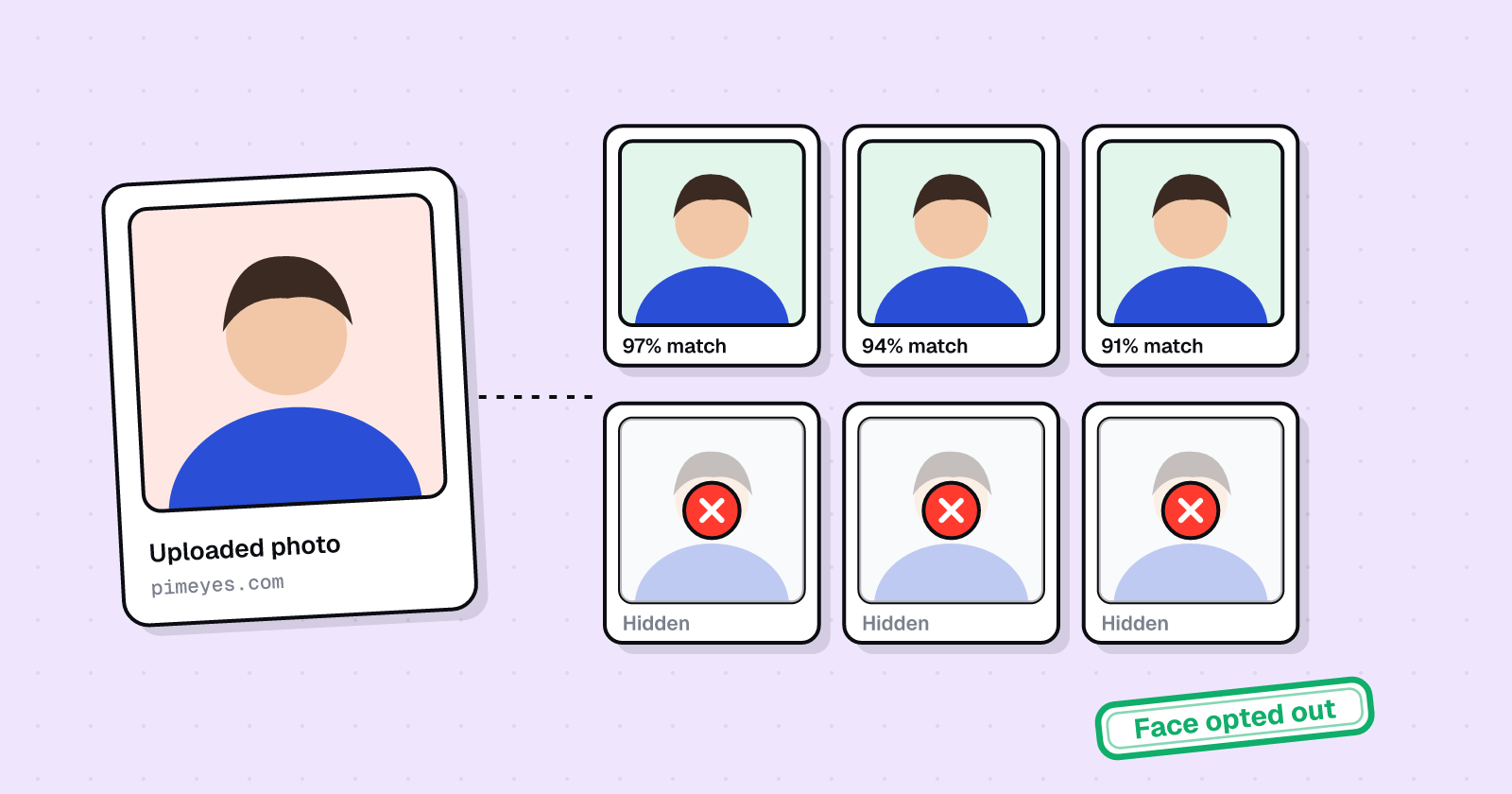
PimEyes lets you opt your face out of its search results with the form at pimeyes.com/en/opt-out-request-form. You upload a photo of your face and a photo ID with everything except your name and photo blurred, plus an email address. This stops PimEyes from showing your photos; it doesn't remove them from the sites where they're posted.
Free first check · Results stay private
See what it finds
Optionally, upload a photo on pimeyes.com to see which of your photos it can match. Use a photo that's already public.
Prepare your ID
Take a photo of your ID and blur everything except your name and photo. Phone photo editors and messaging apps have blur tools.
Submit the opt-out
On the PimEyes opt-out form, upload a photo of your face and the blurred ID, and add your email.
Remove the sources too
PimEyes only stops showing results. To get photos taken down where they're posted, use our photo removal guide.
Official page: PimEyes opt-out request ↗
PimEyes matches photos of your face across the web and shows where they appear. PimEyes is a face search engine: anyone can upload a photo of you and find other pages where your face appears. That's how many people discover reposted photos or fake profiles.
Opting out hides your face from PimEyes results. The photos stay on the sites that host them, so the opt-out works best alongside takedowns at the source.
FaceCheck.ID is another face search engine with its own removal process.
Finds your photos by face match
We find where your photos appear, including the pages PimEyes would show someone who searched your face.
Takes them down at the source
Opting out of PimEyes only hides results. We also file removals with the sites hosting the photos.
Watches for reposts
We keep checking for new copies of your photos and file again when they appear.
Yes. PimEyes's opt-out is free. You never need to buy a report or a subscription to remove your information.
PimEyes doesn't publish a timeframe. Search again after a few days, and follow up if your information is still there after two weeks.
No. It stops PimEyes from showing your face in its results. The photos stay on the sites that posted them, so report them there too.
Run a reverse image search with Google Lens, Bing and TinEye, and search your name on the platforms you use. Our guide to finding your photos online walks through it.
Last reviewed . Removal processes change often; if a step looks different, follow the site's current instructions.
How to reverse image search yourself with Google Lens, TinEye and Bing, what face-search sites can find, and how to get unwanted photos taken down.
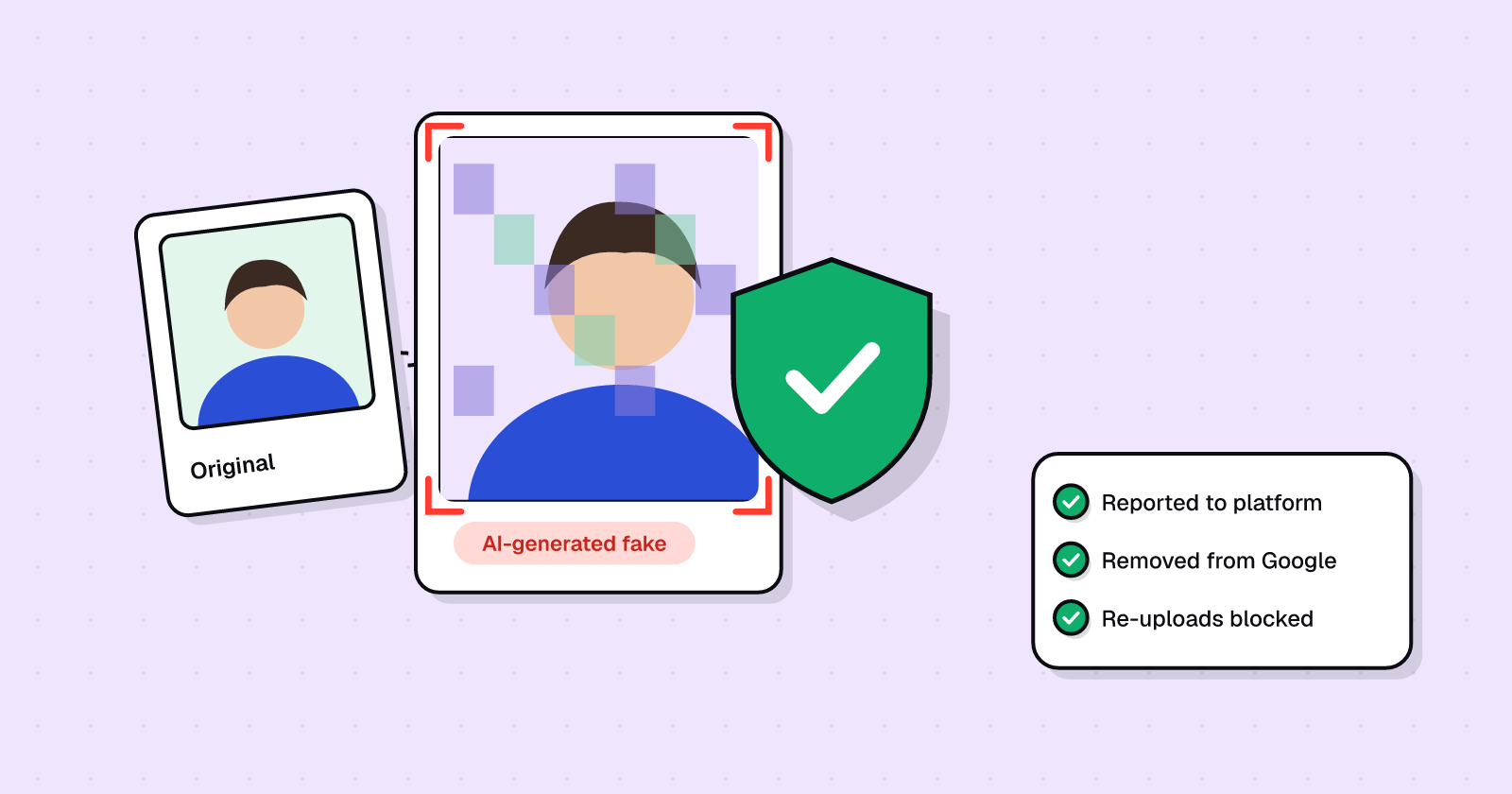
A calm, step-by-step guide to getting AI-generated fake nude images taken down from platforms and Google, blocking re-uploads, and finding support.
 GoogleHide results that show your phone, email or address, and fix the source.
 SpokeoOpt out of the people-search site that sells your phone, address and relatives.
 WhitepagesSuppress your free and Premium listings, including the phone verification step.
 BeenVerifiedOpt out of background-check reports that list your address, phone and family.
 RadarisThe site was seized by court order. Clear old Radaris results and the copycat sites.