Is My Smart TV Spying on Me? What Smart TVs Track and How to Stop It
Smart TVs can capture your screen every 500ms and sell viewing data. What your TV tracks, who buys it, and how to turn off ACR on all brands.

Key takeaways
- Smart TVs use Automatic Content Recognition (ACR) to track what you watch second by second, then sell that data to advertisers and data brokers.
- In 2017, Vizio settled with the FTC for $2.2M after tracking 11 million TVs without clear consent.
- In December 2025, Texas sued Samsung, Sony, LG, Hisense, and TCL, alleging their TVs can capture the screen every 500ms.
- You can turn off ACR tracking in your TV's settings, though the exact menu path varies by brand.
Yes, your smart TV is likely tracking what you watch. Many smart TVs from major brands include Automatic Content Recognition (ACR), a technology that identifies your content second by second and sells that data to advertisers, data brokers, and research firms.
What smart TVs track about you
Smart TVs use ACR to analyze what's on your screen, whether you're watching Netflix, cable news, a DVD, or playing a game. The technology works by taking snapshots of your display and matching them against a database of known content.
What ACR captures
| What you're watching | What ACR sees |
|---|---|
| Streaming apps (Netflix, Hulu, YouTube) | Exact shows, episodes, and timestamps |
| Cable or broadcast TV | Channels, programs, and commercials you watched or skipped |
| DVR recordings | What you recorded and when you played it back |
| Gaming consoles and devices | Game titles and play time |
| Content from USB drives | Video files you play locally |
According to lawsuits filed by the Texas Attorney General in December 2025, smart TVs from Samsung, Sony, LG, Hisense, and TCL can allegedly capture your screen every 500 milliseconds. That's twice per second.
Who's been caught tracking viewers
Vizio: $2.2M FTC settlement (2017)
On February 6, 2017, the FTC announced a settlement with Vizio after the company tracked 11 million smart TVs without clear consent. Vizio's "Smart Interactivity" feature collected second-by-second viewing data, then sold it to advertisers and data brokers.
The feature was on by default. Turning it off required navigating deep into the settings menu, and the option was labeled in a way that didn't make the data collection obvious.
Source: FTC press release, Feb 6, 2017
Texas lawsuits against five TV brands (2025)
On December 15, 2025, Texas Attorney General Ken Paxton filed lawsuits against Samsung, Sony, LG, Hisense, and TCL. The suits allege that these companies failed to properly disclose how their TVs track viewing habits.
According to the complaints, the TVs can capture the screen every 500 milliseconds and share that data with third parties for targeted advertising. The lawsuits claim this violates Texas's Deceptive Trade Practices Act and Data Privacy and Security Act.
Source: Texas AG press release, Dec 15, 2025
How to turn off ACR on your smart TV
Every major TV brand has an opt-out setting for ACR, but it's usually buried in the privacy or system menu. Here's where to find it.
Samsung
- Press Home on your remote
- Go to Settings → Support → Terms & Policy
- Turn off Viewing Information Services
LG
- Press Settings on your remote
- Go to All Settings → General → System → Additional Settings
- Turn off Live Plus
- Also go to Settings → Support → Privacy & Terms → User Agreements and untick Viewing Information
Sony (Android TV / Google TV)
- Press Home on your remote
- Go to Settings → All Settings → Samba Interactive TV
- Turn off Samba Interactive TV
- On older models: Settings → System Preferences → Samba Interactive TV
Vizio
- Press Menu on your remote
- Go to All Settings → Admin & Privacy → Viewing Data
- Turn Viewing Data off
- On newer TVs: All Settings → Privacy & Legal → Viewing Data
TCL (Roku TV)
- Press Home on your remote
- Go to Settings → Privacy → Smart TV Experience
- Uncheck Use info from TV inputs
Hisense
Check your TV's manual for the specific path to Viewing Information Services or ACR settings. The exact menu location varies by model and operating system.
If your TV brand isn't listed here or the menu path has changed, search your TV's manual for "ACR," "viewing data," or "content recognition."
What happens to your viewing data
Once ACR captures what you're watching, that data is typically sold to:
- Advertisers who use it to target you across devices
- Data brokers who merge it with your browsing history, purchases, and location
- Market research firms who sell aggregated reports to networks and studios
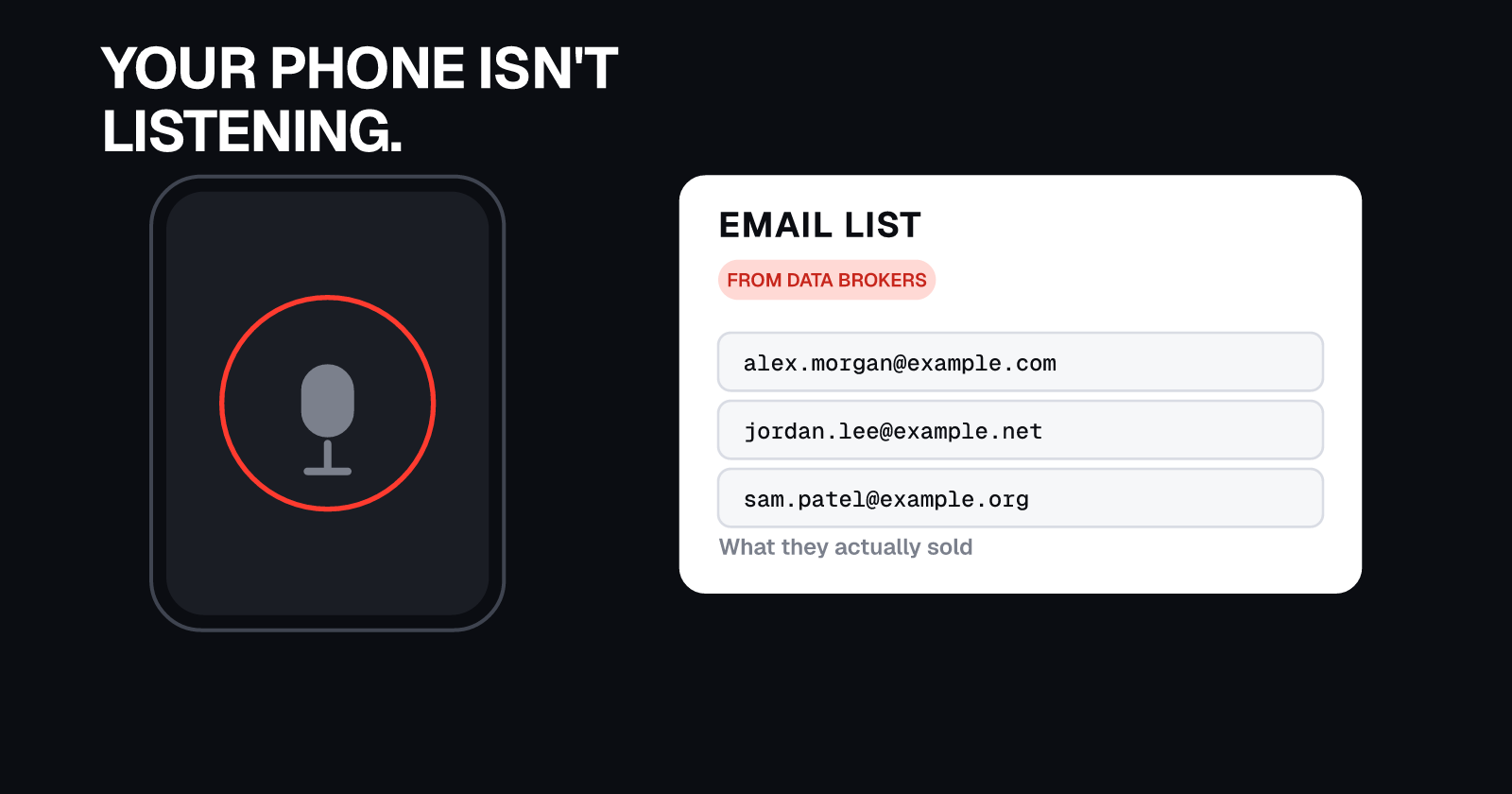
Your viewing habits can be linked to your household and merged with data from other sources. If your TV is connected to the internet and you've signed in with an email address, that email can be used to match your viewing data to profiles held by data brokers.
What else smart TVs collect
Turning off ACR stops viewing tracking, but smart TVs can still collect:
- Voice commands if you use voice control
- App usage showing which streaming services you use and how often
- Your IP address which can be used to approximate your location
To limit tracking further:
- Disable voice recognition in your TV's privacy settings
- Turn off personalized ads or reset your advertising ID
- Disconnect your TV from Wi-Fi when you're not streaming
Why this matters for your privacy
Viewing data reveals sensitive details about your household. It shows your schedule, political leanings, health interests, and whether children are present. That profile can be sold, breached, or subpoenaed.
To see where else your personal information is listed, run a free check to find your profiles on people-search sites, data brokers, and leak forums. Many of those sites merge viewing data with public records to build detailed profiles about you.
Keep your data off data brokers
Even after you turn off ACR, your data can still spread through data brokers who buy and resell personal information. UndoLeak erases your data from data brokers and keeps it off.
Sources:
- FTC, "Vizio to Pay $2.2 Million to FTC, State of New Jersey to Settle Charges It Collected Viewing Histories on 11 Million Smart Televisions without Users' Consent" (Feb 6, 2017)
- Texas Attorney General, "Attorney General Ken Paxton Files Lawsuits Against Five Major TV Manufacturers for Deceptive Trade Practices" (Dec 15, 2025)
Frequently asked questions
What is ACR on a smart TV?
ACR (Automatic Content Recognition) is technology that identifies what you're watching by analyzing your screen. It works across cable, streaming apps, DVDs, and even gaming, capturing viewing data second by second to build an advertising profile.
Can my smart TV see everything I watch?
Yes. ACR can track anything displayed on your screen, including streaming services, broadcast TV, DVR recordings, external devices like game consoles, and even private videos played from a USB drive.
Who buys smart TV viewing data?
Advertisers, data brokers, and market research firms buy viewing data to build consumer profiles. That data is often merged with your browsing history, shopping habits, and location to create detailed targeting profiles.
Is turning off ACR enough to protect my privacy?
Turning off ACR stops viewing tracking, but smart TVs can still collect other data like app usage and voice commands. For full privacy, also disable personalized ads, voice recognition, and consider disconnecting the TV from the internet when not streaming.
undoleak Team