Is Your Phone Listening to You? What Researchers and the FTC Found
Northeastern researchers tested 17,000+ apps and found none listening. But the FTC said one service sold email lists, not voice data.

Key takeaways
- In 2018, Northeastern University researchers analyzed more than 17,000 popular Android apps and found no app secretly activating the microphone or sending audio.
- The same study found that some apps took screenshots or screen video and sent them to third parties without users' awareness.
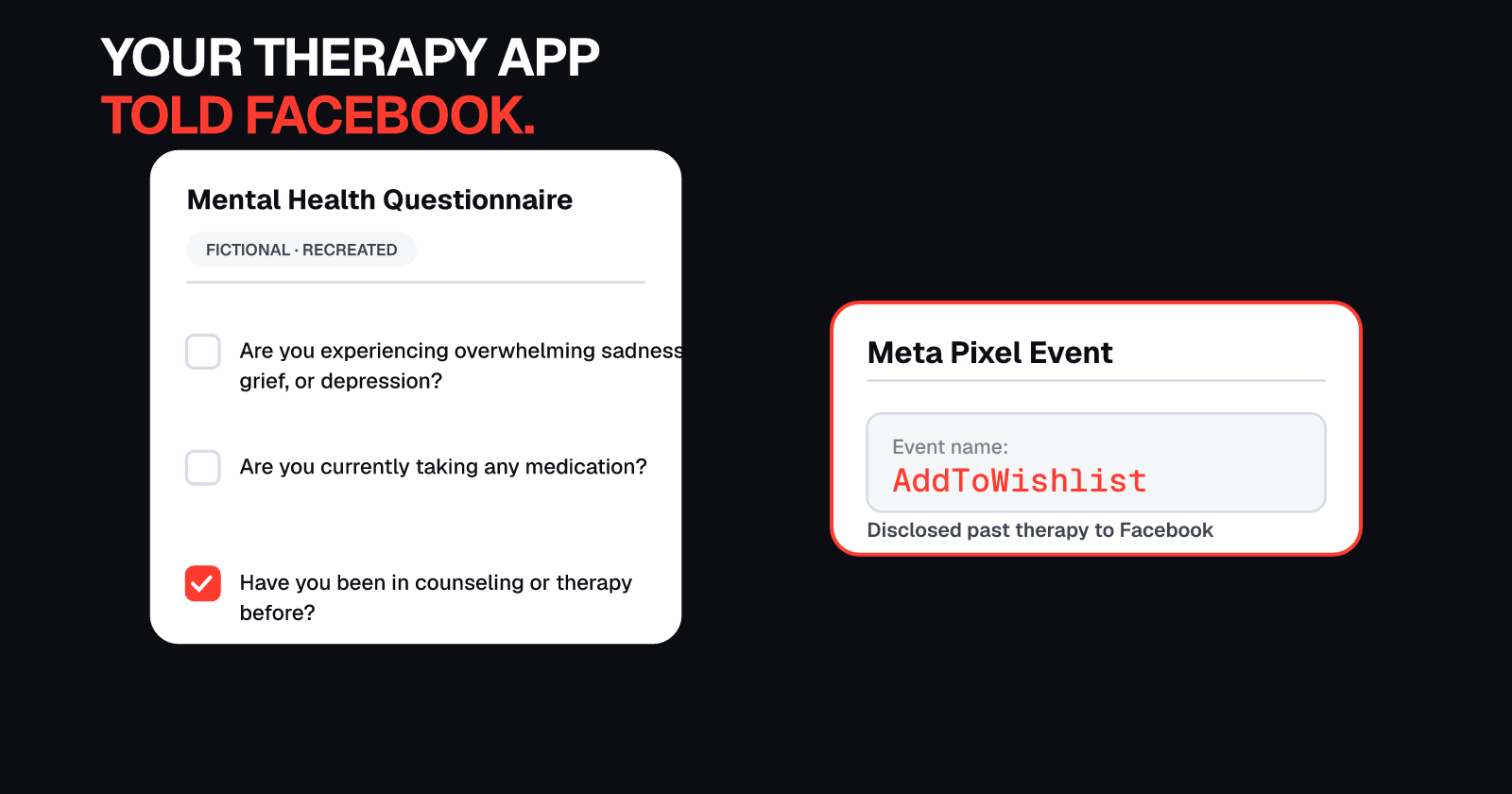
- In 2024, Cox Media Group pitched an "Active Listening" service that claimed to target ads based on what people said near devices. In 2026, the FTC said the service did not use voice data at all and instead resold email lists from data brokers.
- You can check which apps have microphone access in Settings and turn off apps that don't need it. On iPhone, an orange indicator appears when an app uses the microphone.
Your phone isn't listening. It doesn't need to.
That's the curious paradox of modern phone privacy: ads feel so targeted that people suspect their phones are secretly recording conversations, but the data already collected without listening, from app analytics to data broker lists, is often enough to explain it.
Here's what researchers found when they actually tested whether apps listen, what the FTC said about one company that claimed they did, and the practical steps you can take right now to check which apps have access to your microphone.
The 2018 study: over 17,000 apps, zero audio leaks
In 2018, researchers at Northeastern University set out to answer a question that millions of people had already asked themselves: Is my phone secretly listening to me?
They analyzed 17,260 of the most popular apps on the Android operating system, all of which had requested camera and/or microphone permissions. The researchers monitored whether any of these apps activated the microphone or camera without the user's knowledge and whether they sent audio or video to third parties.
The result: "There were no audio leaks at all—not a single app activated the microphone," according to David Choffnes, one of the researchers, as reported by Northeastern Global News in July 2018.
The full study, titled "Panoptispy: Characterizing Audio and Video Exfiltration from Android Applications," was published in the Proceedings on Privacy Enhancing Technologies (PoPETs) 2018.
What this study does and doesn't prove
This is important context: the 2018 Northeastern study analyzed a large set of popular Android apps at one point in time and found no evidence of secret microphone activation. It does not prove that no app, anywhere, ever listens. It's one study of Android apps from 2018, not a blanket guarantee about every app on every platform.
The study's value is in what it tested rigorously and what it found: among thousands of the most widely used apps, none were secretly turning on the microphone.
What they did find: apps recording your screen
While the researchers found no apps secretly using the microphone, they discovered something else: some apps were automatically taking screenshots and screen video of themselves and sending them to third parties, without users' awareness or consent.
One example from the study: GoPuff, a food delivery app, sent video of its own screen activity to Appsee, a mobile analytics company. This happened as soon as a user opened the app. According to the published study, the video exposed personally identifiable information, in this case a user's ZIP code.
Appsee's screen recording did not require any special Android permission, and it did not notify users that it was happening. According to Northeastern Global News, GoPuff later updated its terms of service to alert users.
The key point: apps can collect information about what you're doing without using the microphone. Screen recording and analytics SDKs can capture text you type, screens you view, and even data you enter, all without triggering the microphone permission.
The Cox Media Group "Active Listening" pitch
In August 2024, 404 Media (journalist Joseph Cox) obtained and published a pitch deck from Cox Media Group (CMG), a large media company, for a service called "Active Listening."
According to the pitch deck, the service claimed it could target ads based on what people said out loud near their devices' microphones.
Shortly after 404 Media asked Google for comment about the pitch, Google removed Cox Media Group from its Partners Program.
Cox Media Group had previously said in December 2023 that it does not "listen to any conversations," as reported by Ars Technica.
What the FTC found in 2026
On May 21, 2026, the Federal Trade Commission issued a press release announcing proposed consent orders with Cox Media Group, MindSift, and 1010 Digital Works to settle charges that they deceived customers about the "Active Listening" service.
According to the FTC's press release, the three companies falsely claimed that the service listened to consumers' conversations through their devices' microphones. In reality, according to the FTC's complaint:
"this service did not, in fact, listen in on consumers' conversations or use voice data at all—nor did the service accurately place ads in customers' desired locations. Instead, the service the companies provided consisted of reselling—at a significant markup—email lists obtained from other data brokers."
In other words, the FTC alleged that the companies marketed the service as if it listened to conversations, but what they actually sold were email lists bought from data brokers.
The FTC also stated that consumers had not opted in to the service, explaining that "clicking through terms of service is not opt-in consent."
The proposed consent orders were subject to public comment. The FTC did not allege that Meta, Google, Amazon, or any other platform used the service.
What the data brokers had instead
The FTC's findings point to an uncomfortable truth: voice data wasn't necessary because data brokers already had email lists, purchase histories, and other personal data available for resale.
This is one reason ads can feel like your phone is listening even when it isn't. The data that companies do collect, from app usage to location history to data broker profiles, is often detailed enough to predict your interests without ever recording your voice.
Why ads feel like your phone is listening
If apps aren't listening, why do ads sometimes feel so creepily on target?
Here are the data sources that are actually being collected, based on what researchers and regulators have found:
1. Data broker email lists
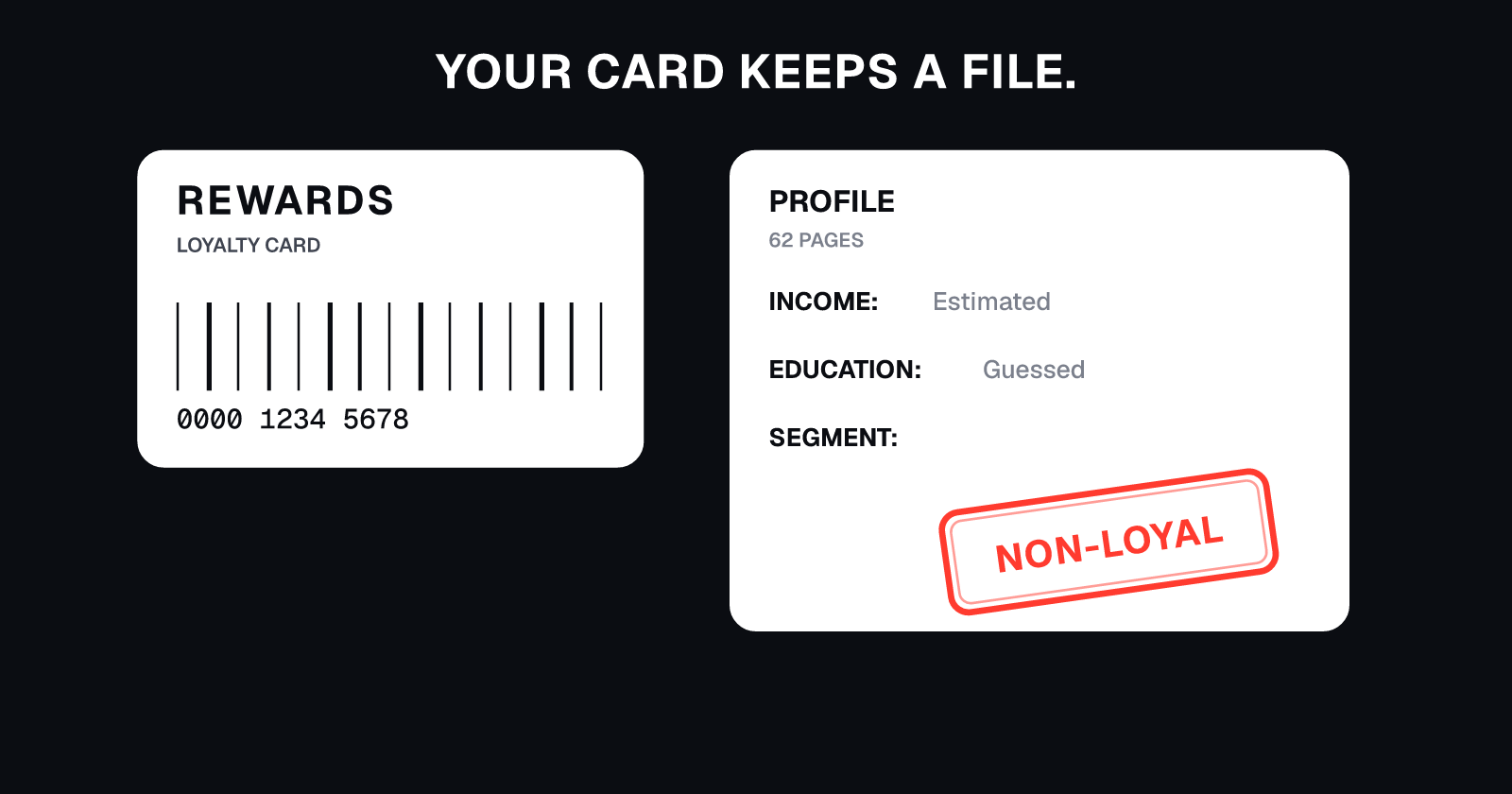
As the FTC's case against Cox Media Group shows, data brokers sell email lists that include demographic information, purchase history, and inferred interests. These lists are compiled from public records, marketing databases, app usage, and online activity.
When you see an ad for something you mentioned in conversation, it's often because you've been browsing related topics online, visiting related stores, or searching for similar products, and that activity was captured and sold by data brokers.
2. App and screen analytics
As the Northeastern study found, apps can record what's on your screen and send it to analytics companies without triggering microphone permissions. This includes:
- Text you type into forms
- Products you view
- How long you spend on each screen
- Which buttons you tap
This data is used to build a profile of your interests and behavior, even if the app never uses the microphone.
3. Location data
Your phone's location history can reveal which stores you visit, which neighborhoods you spend time in, and even which events you attend. Data brokers buy and sell this location data (see our guide on how apps sell your location).
When combined with other data, your location history can predict your interests, income level, and purchasing behavior, often well enough to serve you targeted ads that feel like they're reading your mind.
4. Browsing and search history
Your web searches, the sites you visit, and the products you view all contribute to ad targeting. Even if you never said a word out loud, your browsing history alone can reveal what you're interested in.
The result: eerily accurate targeting without voice data
When these data sources are combined, email lists from data brokers, app analytics, location tracking, and browsing history, the result can be ads that feel like your phone must have been listening.
In most cases, the explanation is simpler and more invasive: the phone was watching, tracking, and logging everything else.
How to check which apps can use your microphone
Even though the evidence suggests most apps aren't secretly listening, it's still a good idea to review which apps have microphone access and turn off access for apps that don't need it.
On iPhone
- Open Settings
- Tap Privacy & Security
- Tap Microphone
- You'll see a list of apps that have requested microphone access. Turn off any app that doesn't need it.
Indicator for active use: On iPhone, an orange indicator appears in the status bar (usually at the top right) when an app is using the microphone. A green indicator means an app is using the camera, or both the camera and microphone.
You can swipe down from the top right (on iPhones with Face ID) or swipe up from the bottom (on iPhones with a Home button) to open Control Center, which will show you which app recently used the microphone or camera.
Source: Apple iPhone User Guide, "Control access to hardware features," https://support.apple.com/guide/iphone/control-access-to-hardware-features-iph168c4bbd5/ios
On Android
- Open Settings
- Tap Security & privacy
- Tap Privacy
- Tap Permission manager
- Tap Microphone
- For each app, choose:
- Allow only while using the app (recommended for most apps)
- Ask every time
- Don't allow
Alternative method: On some Android versions, you can turn off microphone access entirely:
- Open Settings
- Tap Security & privacy
- Tap Privacy
- Tap Privacy controls
- Turn off Microphone access
Note: Menu names and paths vary depending on your phone maker (Samsung, Google Pixel, OnePlus, etc.), but the options are generally found under Settings, Security & privacy or Privacy.
Source: Google Android Help, "Change app permissions on your Android phone," https://support.google.com/android/answer/9431959
What to turn off
Good candidates for turning off microphone access:
- Apps that don't obviously need it (games, photo editors, flashlight apps, weather apps)
- Apps you rarely use
- Apps from developers you don't recognize
Apps that legitimately need microphone access:
- Voice recording apps
- Video calling apps (Zoom, FaceTime, WhatsApp)
- Voice assistants (Siri, Google Assistant)
- Navigation apps that respond to voice commands
When in doubt, turn it off. If the app needs the microphone for a feature you actually use, it will ask for permission again when you try to use that feature.
What this means for your privacy
The Northeastern study and the FTC's findings about Cox Media Group both point to the same conclusion: your phone probably isn't secretly recording your conversations, but that doesn't mean your privacy is secure.
Apps are collecting enormous amounts of data through other means: screen recording, location tracking, app usage analytics, and purchases from data brokers. That data is often detailed enough to serve you eerily targeted ads without ever using the microphone.
The practical steps you can take:
- Review microphone permissions and turn off apps that don't need access.
- Limit location tracking for apps that don't need it (see our guide on app location tracking).
- Remove your information from data brokers, who are often the source of the email lists and profiles that power ad targeting.
UndoLeak erases your data from data brokers and keeps it off. Voice data is just one piece. We handle the rest: people-search sites, Google results, leaked photos, and ongoing monitoring so your information stays private.
Sources
Northeastern Global News, "Is your smartphone spying on you?" (July 6, 2018): https://news.northeastern.edu/2018/07/06/is-your-smartphone-spying-on-you/
Pan, Ren, Lindorfer, Wilson, Choffnes, "Panoptispy: Characterizing Audio and Video Exfiltration from Android Applications," Proceedings on Privacy Enhancing Technologies (PoPETs) 2018(4): https://petsymposium.org/popets/2018/popets-2018-0030.pdf
404 Media, Joseph Cox, "Here's the Pitch Deck for 'Active Listening' Ad Targeting" (August 26, 2024): https://www.404media.co/heres-the-pitch-deck-for-active-listening-ad-targeting/
Ars Technica, "No, a marketing firm isn't tapping your device to hear private conversations" (December 2023): https://arstechnica.com/gadgets/2023/12/no-a-marketing-firm-isnt-tapping-your-device-to-hear-private-conversations/
Federal Trade Commission, "FTC Proposed Consent Orders with Cox Media Group and Two Other Firms Over Alleged Deceptive Claims About 'Active Listening' Marketing Service" (May 21, 2026): https://www.ftc.gov/news-events/news/press-releases/2026/05/ftc-require-cox-media-group-two-other-firms-pay-nearly-1-million-settle-charges-they-deceived
Apple iPhone User Guide, "Control access to hardware features on iPhone": https://support.apple.com/guide/iphone/control-access-to-hardware-features-iph168c4bbd5/ios
Google Android Help, "Change app permissions on your Android phone": https://support.google.com/android/answer/9431959
Not affiliated with Apple, Google, Cox Media Group, or any company mentioned.
Frequently asked questions
Is my phone secretly listening to me?
A 2018 Northeastern University study analyzed more than 17,000 popular Android apps and found no app secretly activating the microphone or sending audio. However, this is one study from 2018 and does not prove that no app ever listens.
What did Northeastern University researchers find?
Northeastern researchers tested 17,260 Android apps that requested camera and/or microphone permissions. They found no audio leaks and no app activated the microphone secretly. However, some apps took screenshots or screen video and sent them to third parties.
What is Cox Media Group Active Listening?
In 2024, 404 Media reported a Cox Media Group pitch deck for "Active Listening" that claimed to target ads based on what people said near devices. In 2026, the FTC alleged the service did not listen to conversations or use voice data at all, and instead resold email lists obtained from other data brokers.
How do ads feel like my phone is listening?
Ads can feel targeted because of the data that is collected without voice recording, including email lists from data brokers, app and screen analytics, and location data, all of which can reveal your interests and behavior patterns.
How do I check microphone permissions on iPhone?
On iPhone, go to Settings, Privacy & Security, Microphone, then turn off apps that don't need microphone access. An orange indicator appears in the status bar when an app uses the microphone.
How do I check microphone permissions on Android?
On Android, go to Settings, Security & privacy, Privacy, Permission manager, Microphone. You can choose Allow only while using the app, Ask every time, or Don't allow for each app. Menu names vary by phone maker.
What does the orange dot on iPhone mean?
The orange dot on iPhone means an app is currently using the microphone. A green dot means an app is using the camera, or both the camera and microphone. You can open Control Center to see which app recently used it.
undoleak Team