How to Delete Alexa Recordings (and What Amazon Kept After You Did)
The FTC said Amazon kept transcripts after you deleted recordings. How to turn on "Don't save" in the Alexa app and delete saved voice history.

Key takeaways
- According to the FTC's 2023 complaint, until mid-2019 Amazon in many instances deleted Alexa voice recordings when users requested deletion, but kept the written transcripts in "residual data stores" for product improvement.
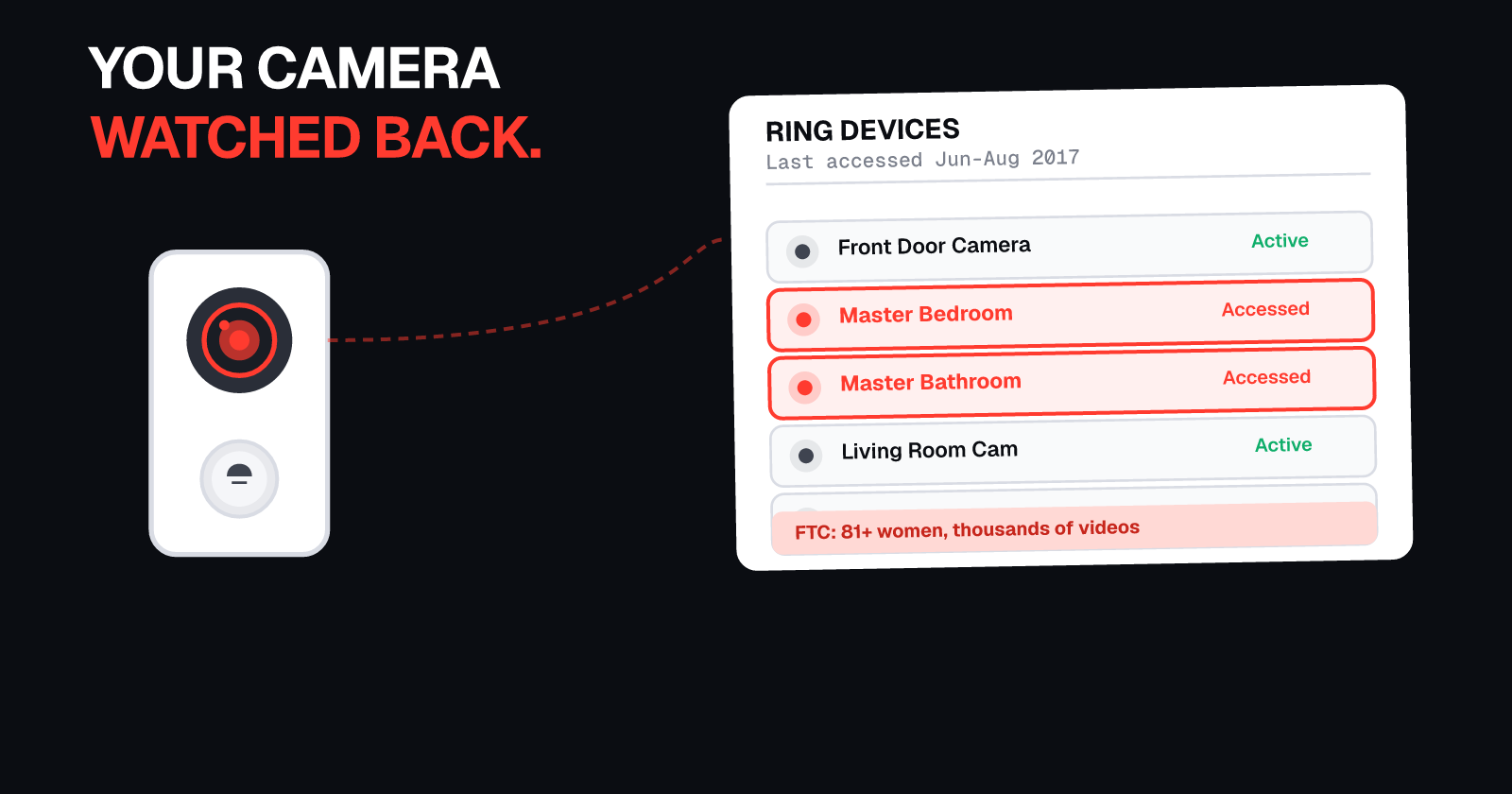
- The FTC alleged that between August 2018 and September 2019, Alexa voice recordings were accessible to 30,000 Amazon employees, approximately 15,000 of whom lacked any business need for such access.
- Amazon settled in 2023 and said it disagrees with the FTC's claims and denies violating the law.
- You can set Alexa to "Don't save" recordings in the Alexa app. Amazon says this deletes saved voice recordings and stops saving new ones, and transcripts are deleted after 30 days of inactivity.
You deleted it. Amazon didn't.
According to a 2023 complaint filed by the FTC and the Department of Justice, until mid-2019, when Alexa users deleted a voice recording (including parents deleting their children's recordings), Amazon in many instances deleted the audio but kept the written transcript in "residual data stores" and used those words to improve Alexa.
In the app, the play button and text disappeared, so it looked gone. It wasn't.
What the FTC said Amazon kept
The FTC and DOJ's complaint against Amazon was filed on May 31, 2023 in the U.S. District Court for the Western District of Washington (Case No. 2:23-cv-00811).
Paragraph 28 of the complaint states:
"until mid-2019, Amazon's practice was to delete the requested voice recordings but keep written transcripts of those recordings. Specifically, when users requested deletion of their voice recordings, or when parents used the Alexa Privacy Hub or the Alexa App to delete their children's voice recordings, Alexa deleted the voice recordings but retained written transcripts of those recordings in residual data stores. Those transcripts remained available for Amazon's benefit and use for product improvement. ... In fact, when the user selected "delete recording," the "play" button for the recording and the written text disappeared, suggesting that both the audio and text files had been deleted. Accordingly, in many instances Amazon kept users' or children's written transcripts ... Amazon used children's recordings, both audio files and transcripts, for purposes such as refining Alexa's voice recognition and natural language processing capabilities."
The FTC's press release on May 31, 2023 said: "even when a parent sought to delete that information, the FTC said, Amazon failed to delete transcripts of what kids said from all its databases."
How many employees had access
The same complaint, paragraph 29, alleged:
"between August 2018 and September 2019, Amazon Alexa users' voice recordings were accessible to 30,000 of its employees, approximately 15,000 of whom lacked any business need for such access."
That's 30,000 employees who could access your recordings. About half of them, the FTC alleged, had no business reason to see them.
Amazon denies breaking the law
Amazon settled the case and released a statement on its website:
"While we disagree with the FTC's claims and deny violating the law, this settlement puts the matter behind us."
The settlement was entered as a stipulated order on July 19, 2023. The complaint describes past practices and allegations, not Amazon's current systems.
What Amazon says today
Amazon's Alexa privacy page states: "All of your voice recordings and transcripts are saved by default, but you can change how long they are saved or choose to delete them at any time."
As of March 28, 2025, Amazon discontinued the "Do Not Send Voice Recordings" setting, which allowed local processing on certain Echo devices (Echo Dot 4th Gen, Echo Show 10, and Echo Show 15) for U.S. English. According to Ars Technica, all Alexa requests now go to Amazon's cloud. With "Don't save" enabled, Amazon says requests are deleted after processing.
How to turn on "Don't save" in the Alexa app
Here's how to stop Alexa from saving your voice recordings and transcripts, according to Amazon Help:
- Open the Alexa app
- Tap More (the three horizontal lines, usually at the bottom right)
- Tap Alexa Privacy
- Tap Manage Your Alexa Data
- Tap Voice Recordings (and Transcripts)
- Choose Don't save (other options: save until deleted, save for 18 months, save for 3 months)
- Tap Confirm
According to Amazon Help, when you choose "Don't save":
- All previously saved voice recordings will be deleted (may take up to 36 hours)
- Future voice recordings will not be saved
- Chat transcripts and typed requests are kept until the chat has been inactive for 30 days, after which they are automatically deleted
- Any Voice IDs linked to this account will also be deleted
You can delete transcripts sooner by going to Review Voice History in the Alexa app and deleting them manually.
Optional: Enable deletion by voice
You can also tell Alexa to delete recordings by saying:
- "Alexa, delete everything I said today"
- "Alexa, delete what I just said"
To enable this feature, go to Alexa Privacy, then Review Voice History, then turn on Enable deletion by voice.
For kids' profiles
If your child has an Alexa profile through Amazon Kids or a family account, review their voice recordings separately in the Parent Dashboard or Amazon Kids settings.
What you lose when you turn on "Don't save"
When "Don't save" is enabled, some Alexa features stop working or become less personal:
- Voice ID is deleted and will no longer work
- Alexa may not recognize you for personalized responses
- Some skills that rely on your voice history may not work as expected
Amazon says basic Alexa commands and smart home controls still work.
Why this matters for your privacy
Voice recordings and transcripts reveal sensitive details about your household: your schedule, what you watch, what you buy, health questions you ask, and whether children are present.
According to the FTC's complaint, Amazon's default settings as of 2023 saved children's and adults' recordings and transcripts indefinitely. Even when users thought they had deleted recordings, the FTC alleged Amazon kept the transcripts.
To see where else your personal information is listed, run a free check to find your profiles on people-search sites, data brokers, and leak forums.
Keep your data off data brokers
Even after you turn on "Don't save," your data can still spread through data brokers who buy and resell personal information. UndoLeak erases your data from data brokers and keeps it off.
Sources:
- Federal Trade Commission and U.S. Department of Justice, Complaint, United States v. Amazon.com, Inc., Case No. 2:23-cv-00811 (W.D. Wash., filed May 31, 2023): ftc.gov/system/files/ftc_gov/pdf/Amazon-Complaint-(Dkt.1).pdf
- Federal Trade Commission, "FTC and DOJ Charge Amazon with Violating Children's Privacy Law by Keeping Kids' Alexa Voice Recordings Forever and Undermining Parents' Deletion Requests" (May 31, 2023): ftc.gov/news-events/news/press-releases/2023/05/ftc-doj-charge-amazon-violating-childrens-privacy-law-keeping-kids-alexa-voice-recordings-forever
- U.S. Department of Justice, "Amazon Stipulated Order and Injunctive Relief for Alleged Violations of Children's Privacy Law" (July 19, 2023): justice.gov/archives/opa/pr/amazon-agrees-injunctive-relief-and-25-million-civil-penalty-alleged-violations-childrens
- Amazon, "Amazon's response to our recent settlement with the U.S. Department of Justice regarding Alexa" (2023): aboutamazon.com/news/policy-news-views/amazon-response-to-ftc-settlement-regarding-alexa
- Amazon Help, "Delete Alexa Voice Recordings and Transcripts Automatically" (2026): amazon.com/gp/help/customer/display.html?nodeId=G68KUKTXN92WY3C3
- Ars Technica, Scharon Harding, "Everything you say to your Echo will be sent to Amazon starting on March 28" (March 14, 2025): arstechnica.com/gadgets/2025/03/everything-you-say-to-your-echo-will-be-sent-to-amazon-starting-on-march-28/
Not affiliated with Amazon or Alexa.
Frequently asked questions
Does Alexa keep recordings after you delete them?
According to the FTC's May 2023 complaint, until mid-2019 Amazon in many instances deleted the audio when users deleted Alexa voice recordings but kept the written transcripts in "residual data stores." Amazon settled in 2023 and said it disagrees with the FTC's claims and denies violating the law.
Can Amazon employees listen to my Alexa recordings?
The FTC's 2023 complaint alleged that between August 2018 and September 2019, Alexa voice recordings were accessible to 30,000 Amazon employees, approximately 15,000 of whom lacked any business need for such access. Amazon's current practices may differ.
How do I stop Alexa from saving my voice recordings?
In the Alexa app, tap More, Alexa Privacy, Manage Your Alexa Data, Voice Recordings (and Transcripts), choose "Don't save," then Confirm. Amazon says this deletes saved voice recordings and stops saving new ones. Transcripts are kept until the chat has been inactive for 30 days, then deleted.
What happens to Alexa transcripts when I delete recordings?
According to Amazon Help, when you choose "Don't save," transcripts and typed requests are kept until the chat has been inactive for 30 days, after which they are automatically deleted. You can delete them sooner in Review Voice History.
Does "Don't save" on Alexa stop all recording?
As of March 28, 2025, Amazon discontinued the "Do Not Send Voice Recordings" local processing option. All voice requests now go to Amazon's cloud. With "Don't save" enabled, Amazon says requests are deleted after processing, but Voice ID and some personal features will stop working.
undoleak Team