Private Wi-Fi Address: How Free Wi-Fi and Stores Can Track Your Phone (and How to Stop It)
Free Wi-Fi and stores can track your phone through its MAC address. Learn how to turn on private Wi-Fi address (rotating or fixed) on iPhone and Android.

Key takeaways
- Your phone's MAC address is a unique identifier that free Wi-Fi networks and retail stores can use to track your movements, visit frequency, and behavior over time.
- In 2017, Purple's free Wi-Fi terms hid a "Community Service Clause" requiring 1,000 hours of work, including cleaning portable toilets. 22,000 people agreed without reading it, showing how easily tracking consent is buried in free Wi-Fi terms.
- The FTC settled with Nomi Technologies in 2015 after the company tracked approximately nine million unique mobile devices in retail stores via MAC address detection. Stores used the data to measure foot traffic, repeat visits and dwell time.
- iPhone users can turn on Private Wi-Fi Address and choose Rotating (changes every 2 weeks, default for open networks) or Fixed (default for secure networks) in Settings, Wi-Fi, tap the network's info button.
- Android 10 and later use randomized MAC addresses by default. You can check or enable it per network in Settings, Network & internet, Wi-Fi, tap the network, Privacy, Use randomized MAC.
22,000 people agreed to clean toilets for free Wi-Fi. They didn't know it because they didn't read the terms.
In July 2017, Purple, a UK Wi-Fi provider, added a hidden "Community Service Clause" to its free Wi-Fi hotspot terms. Anyone who agreed would be required to carry out 1,000 hours of community service, including "Cleaning portable lavatories at local festivals and events," "Providing hugs to stray cats and dogs," and "Scraping chewing gum off the streets." The clause stayed in the terms for two weeks. 22,000 people signed up. Only one person spotted it and claimed the prize (Purple press release, Jul. 13, 2017; The Guardian, Jul. 14, 2017).
Purple said it would not enforce the clause. It was a publicity stunt to prove a point: nobody reads free Wi-Fi terms. But buried in those same unread terms is often another clause, a real one, that says the network can track you.
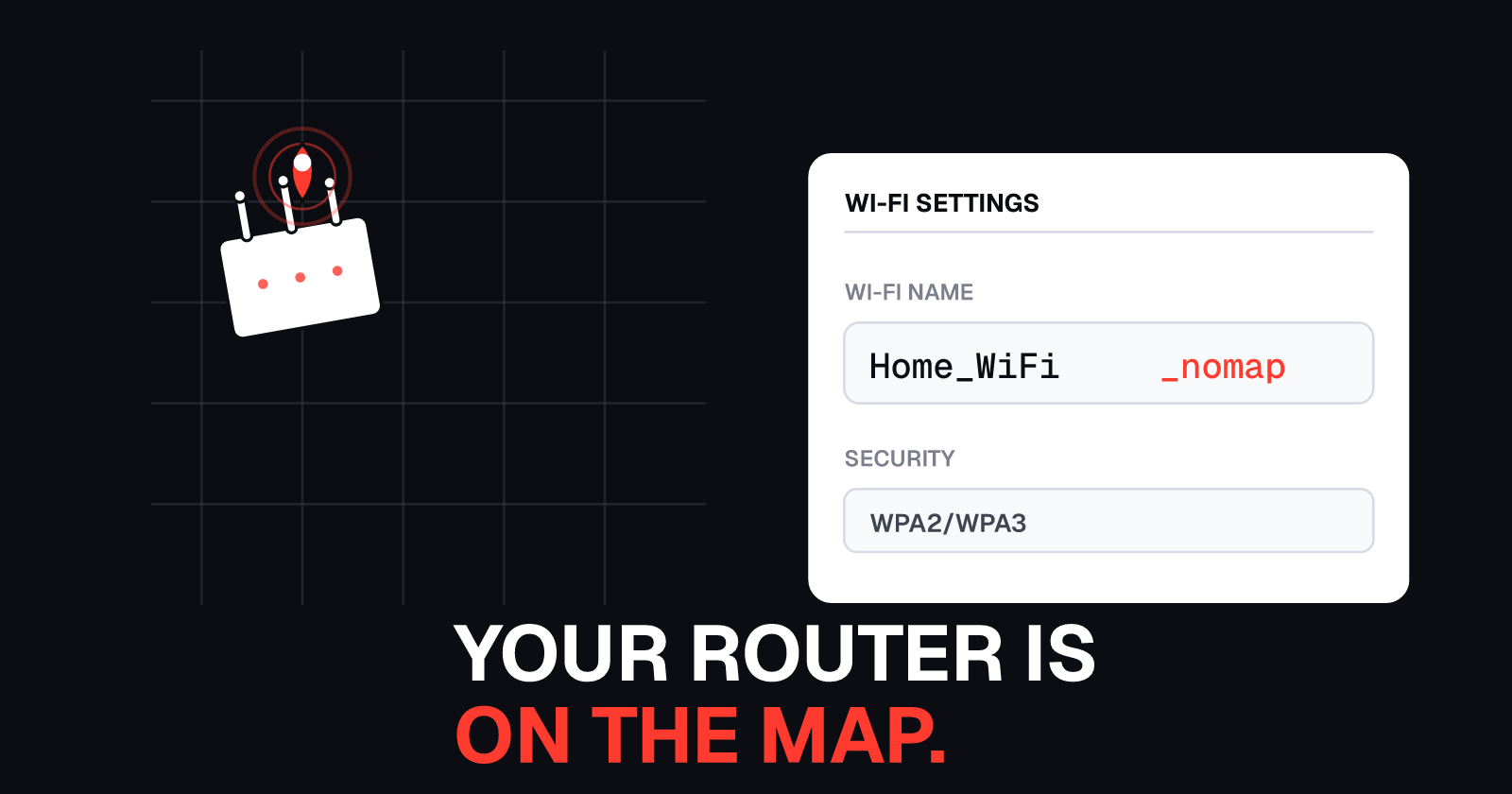
Every time your phone searches for Wi-Fi, it broadcasts a unique identifier called a MAC address. Free Wi-Fi providers, retail stores, and anyone operating a Wi-Fi network or sensor can detect that address and use it to see when you visit, how long you stay, and whether you come back. In 2013, one retail tracking company monitored approximately nine million unique mobile devices this way. The Federal Trade Commission stepped in, but only after the data had been collected (FTC complaint, In the Matter of Nomi Technologies, 2015).
If you've ever wondered whether free Wi-Fi is tracking you, the answer is yes, it can. Here's how it works, what the tracking companies did with the data, and how to turn on private Wi-Fi address or MAC randomization on your phone to stop it.
How free Wi-Fi and stores track your phone
Your phone has a hardware address called a MAC address (Media Access Control address). It looks like this: 3C:7A:9F:21:B4:08. Every network-capable device has one. It's meant to be unique, and in most cases, it is.
When your phone searches for Wi-Fi networks, even if you don't connect to anything, it broadcasts that MAC address. Any nearby access point or Wi-Fi sensor can see it. If the same MAC address appears at the same location multiple times, the network operator knows it's the same device returning.
Retail stores, shopping malls, airports, cafes, and other public spaces have used this to track foot traffic and customer behavior. Some do it themselves. Others hire third-party companies to place Wi-Fi sensors or analyze access point logs.
What the tracking companies saw
Nomi Technologies was one of the first companies to face regulatory action for this kind of tracking. Between January 2013 and September 2013, Nomi placed sensors in retail stores that detected MAC addresses from mobile devices searching for Wi-Fi. Nomi's sensors tracked approximately nine million unique devices during that period (FTC complaint, Apr. 23, 2015).
Even though Nomi hashed the MAC addresses, the FTC said the hashed addresses were still persistent unique identifiers. Nomi used them to generate aggregate reports for retailers, showing:
- How many people passed by the store vs how many entered
- Average visit duration
- Repeat customer rates
- Visits to other locations in the same retail chain
Nomi's privacy policy promised an in-store opt-out, but no such opt-out existed, and shoppers were not told they were being tracked. The FTC settled with Nomi in 2015. It was the first FTC case against a retail tracking company (FTC press release, Apr. 23, 2015; final order, Sep. 2015).
That was 2013. The tracking didn't stop. What changed is that Apple and Google both added features to randomize your phone's MAC address so networks can't track you the same way anymore. But those features have to be turned on, and on some phones or networks, they're off by default or get disabled when you connect to certain types of networks.
What private Wi-Fi address and MAC randomization do
Instead of broadcasting your phone's real MAC address, private Wi-Fi address (iPhone) and MAC randomization (Android) make your phone use a temporary random address that changes periodically or per network.
When you connect to a free Wi-Fi network at a cafe, your phone presents a random MAC address. The next time you visit, it may present a different one (depending on your settings). The network can't tie those two visits together because the identifier changed.
iPhone: Private Wi-Fi Address (Rotating or Fixed)
Starting with iOS 18, iPhone offers two modes for Private Wi-Fi Address (Apple Support, Dec. 2025):
- Rotating: Changes your private MAC address every 2 weeks. This is the default for open or weak-security networks. It makes it harder for networks to track you over time because the identifier keeps changing.
- Fixed: Uses one consistent private MAC address per network. This is the default for WPA2 and WPA3 secured networks. It's more stable (useful for home or work networks that expect a consistent device identifier) but still hides your real hardware MAC address.
Earlier iOS versions had a simple on/off toggle. iOS 18 added the Rotating/Fixed choice.
Android: Use randomized MAC
Android 10 and later use a randomized MAC address by default (Android Open Source Project, 2026). You can enable or disable it per network in the network settings. Menu paths vary by phone manufacturer, but the setting is usually called "Privacy" or "Use randomized MAC."
Android's randomization can be persistent (one random MAC per network, similar to iPhone's Fixed mode) or non-persistent (a new random MAC each time you connect, similar to Rotating mode). Most Android phones use persistent randomization by default.
How to turn on private Wi-Fi address on iPhone
- Open Settings
- Tap Wi-Fi
- Tap the info button (i) next to the network you're connected to or want to configure
- Tap Private Wi-Fi Address
- Choose Rotating (for public or free Wi-Fi) or Fixed (for home or work networks)
Rotating is recommended for open networks, coffee shop Wi-Fi, airport Wi-Fi, hotel Wi-Fi, and any network where you don't want to be tracked. Fixed is better for your home or office network, especially if your router uses MAC address filtering or if you need a stable identifier for network access control.
If you're on iOS 17 or earlier, Private Wi-Fi Address is a simple on/off toggle. Turn it on.
You can also configure Private Wi-Fi Address before connecting to a network. In the Wi-Fi settings, tap the network name, tap the info button, and choose your setting before tapping Join.
How to turn on randomized MAC on Android
The exact steps vary by phone manufacturer and Android version, but the setting is usually in the network details:
- Open Settings
- Tap Network & internet (or Connections on Samsung)
- Tap Wi-Fi (or Internet)
- Tap the network name or the gear icon next to it
- Look for Privacy, Advanced, or MAC address type
- Select Use randomized MAC (or Randomized MAC, or Use device MAC to turn it off)
On Android 10 and later, randomized MAC is on by default for new networks. If you see "Use device MAC" or "Phone MAC," that means randomization is off for that network. Change it to "Use randomized MAC."
Some Android phones label the setting differently. Common names:
- Use randomized MAC
- Randomized MAC address
- Privacy: Use randomized MAC
- MAC address type: Random
If you can't find the setting, search your phone's settings for "MAC" or "randomized."
Other ways to protect yourself on free Wi-Fi
Turning on private Wi-Fi address or MAC randomization stops one type of tracking, the kind that relies on your device's hardware identifier. But free Wi-Fi terms often ask for other information: your email address, phone number, or social media login. Here's what else you can do:
1. Give the minimum information at the sign-in page
When a free Wi-Fi captive portal asks for your email or phone number, use a secondary email address or a temporary email service if the network allows it. Skip any marketing checkboxes. Don't link your social media account unless you have to, and if you do, review what permissions the network is requesting.
Some networks won't let you connect without providing real information. That's your signal to decide whether the convenience is worth the data you're giving up.
2. Forget public networks you no longer use
Your phone remembers networks you've connected to and may try to reconnect automatically. If you connected to a free Wi-Fi network at an airport, hotel, or cafe you don't visit often, forget the network after you leave.
On iPhone: Settings, Wi-Fi, tap the info button next to the network, tap Forget This Network.
On Android: Settings, Network & internet, Wi-Fi, tap the network, tap Forget.
Forgetting a network deletes it from your saved networks list and prevents your phone from broadcasting that it's looking for that network later.
3. Use a VPN on public Wi-Fi
Private Wi-Fi address hides your MAC address from the network, but it doesn't encrypt your internet traffic. On open or weak-security Wi-Fi, anyone else on the network can potentially see what sites you visit or intercept unencrypted data.
A VPN encrypts your traffic between your device and the VPN server, so other people on the network can't see it. Many privacy-focused VPN services are available, some free, some paid. If you use public Wi-Fi often, a VPN is a good second layer of protection.
4. Read the terms if you can
Most people don't read free Wi-Fi terms. Purple proved that. But if you have the time, skim them. Look for phrases like "we collect," "we share," "third parties," "advertising," and "location." Those sections tell you what data the network collects and who gets it.
If the terms say the network tracks your location, browsing history, or device identifiers, and you're not comfortable with that, don't connect.
When you might need to turn private Wi-Fi address off
Private Wi-Fi address and MAC randomization work on most networks, but some networks or devices expect to see your real MAC address. You may need to turn it off in these cases:
- Home router MAC filtering: Some routers are configured to allow only specific MAC addresses to connect. If your router uses MAC filtering, add your phone's random MAC address to the allow list, or turn off Private Wi-Fi Address for your home network and add your real MAC address instead.
- University or corporate networks: Some schools and workplaces tie your network account to your device's MAC address for access control or billing. If the network won't let you connect with Private Wi-Fi Address on, you may need to turn it off and register your real MAC address with the network administrator.
- Smart home or IoT device setup: Some smart home devices, like cameras or smart plugs, expect your phone to have a consistent MAC address during initial setup. If setup fails, try turning off Private Wi-Fi Address temporarily, complete the setup, then turn it back on.
If you turn off Private Wi-Fi Address or MAC randomization for one specific network (like your home Wi-Fi), it stays on for all other networks. You can configure it per network.
Why this matters
The Purple free Wi-Fi stunt and the Nomi Technologies case both show the same thing: when you connect to free Wi-Fi, you're often agreeing to tracking you didn't know about, and the tracking happens even if you don't connect, as long as your phone is searching for networks.
Nomi tracked nine million devices in 2013. That was before MAC randomization was common. Today, if you haven't turned on private Wi-Fi address or randomized MAC, your phone is still broadcasting the same identifier it did a decade ago. Stores, malls, airports, cafes, and anyone with a Wi-Fi sensor can still track you the same way Nomi did.
The FTC's settlement with Nomi was a start, but it didn't ban the practice. It just required transparency and a real opt-out. Many stores and Wi-Fi providers still track foot traffic via MAC addresses, and most people don't know it's happening.
Turning on private Wi-Fi address or MAC randomization takes 30 seconds. It stops one of the oldest and most widespread forms of mobile tracking. Do it for every public or free Wi-Fi network you use.
Conclusion
Free Wi-Fi and retail stores can track your phone through its MAC address, a unique identifier your device broadcasts when searching for networks. One tracking company monitored nine million devices in 2013 before the FTC stepped in. 22,000 people agreed to clean toilets for free Wi-Fi without reading the terms, showing how easily consent is buried in agreements nobody reads.
Turn on Private Wi-Fi Address (Rotating mode) on iPhone or Use randomized MAC on Android for public and free Wi-Fi networks. It takes 30 seconds and stops the tracking.
On iPhone: Settings, Wi-Fi, tap the info button next to the network, Private Wi-Fi Address, choose Rotating.
On Android: Settings, Network & internet, Wi-Fi, tap the network, Privacy, Use randomized MAC.
Forget public networks after you leave, give the minimum information at Wi-Fi sign-in pages, and use a VPN if you're on public Wi-Fi often. Read the free Wi-Fi terms if you can, even though most people don't. That's how 22,000 people agreed to clean toilets.
UndoLeak erases your data from data brokers and keeps it off. If you want to see where else your personal information is listed, run a free scan.
Sources
- Purple press release, "22,000 sign up to clean loos in return for free WiFi" (July 13, 2017)
- The Guardian, "WiFi terms and conditions: thousands sign up to clean sewage as they did not read small print" (July 14, 2017)
- FTC complaint, In the Matter of Nomi Technologies, Inc. (2015)
- FTC press release, "Retail Tracking Firm Settles FTC Charges It Misled Consumers About Opt-Out Choices" (April 23, 2015)
- FTC press release, "FTC Approves Final Order in Nomi Technologies Case" (September 2015)
- Apple Support, "Use private Wi-Fi addresses on Apple devices" (December 2025)
- Android Open Source Project, "MAC randomization behavior" (2026)
Frequently asked questions
What is a private Wi-Fi address?
A private Wi-Fi address (also called a randomized MAC address) is a temporary network identifier your phone uses instead of its real hardware address. On iPhone, Private Wi-Fi Address can be set to Rotating (changes every 2 weeks) or Fixed (a consistent private address per network). On Android, it's called Use randomized MAC. Both features prevent networks from tracking your device across visits.
Can free Wi-Fi track me?
Yes. When your phone searches for Wi-Fi networks or connects to one, it broadcasts a MAC address. Free Wi-Fi providers and nearby stores can detect that address and use it to track how often you visit, how long you stay, and which other locations you visit. Turning on private Wi-Fi address or MAC randomization stops this tracking.
Should private Wi-Fi address be on or off on iPhone?
On. Private Wi-Fi Address should be turned on, especially for public and free Wi-Fi networks. iOS 18 and later offer two modes - Rotating (changes every 2 weeks, best for open or weak-security networks) and Fixed (a consistent private address for that network, best for secure home or work networks). Rotating is the default for open networks.
How do I turn on randomized MAC address on Android?
Go to Settings, Network & internet, Wi-Fi (or Internet), tap the network name or gear icon, look for Privacy or Advanced, and select Use randomized MAC. Android 10 and later use randomized MAC by default, but some phones let you disable it per network. Menu paths vary by manufacturer.
What was the Purple Wi-Fi community service clause?
In July 2017, Purple, a UK Wi-Fi provider, added a hidden "Community Service Clause" to its free Wi-Fi terms requiring users to complete 1,000 hours of tasks, including cleaning portable lavatories at festivals, hugging stray cats and dogs, and scraping chewing gum off streets. 22,000 people agreed over two weeks. Only one person spotted it and claimed the prize. Purple said it would not enforce the clause, it was a publicity stunt to show that nobody reads free Wi-Fi terms.
What did Nomi Technologies do with MAC addresses?
Nomi Technologies placed sensors in retail stores that detected the MAC addresses broadcast by mobile devices searching for Wi-Fi networks. Between January 2013 and September 2013, Nomi tracked approximately nine million unique devices. The company provided aggregate reports to retailers on how many people passed by vs entered, average visit duration, repeat customers, and visits to other locations in the chain. The FTC settled with Nomi in 2015 over claims the company promised an in-store opt-out that didn't exist.
Does private Wi-Fi address work on all networks?
Yes, but some networks or apps may require you to turn it off. For example, some home routers use MAC address filtering for security, some campus or corporate networks tie your MAC address to your account, and some smart home or IoT devices expect a consistent address. If a network won't let you connect with Private Wi-Fi Address on, you can turn it off for that specific network in the network settings.
What's the difference between rotating and fixed private Wi-Fi address on iPhone?
Rotating changes your private MAC address every 2 weeks, making it harder for networks to track you over time. It's the default for open or weak-security networks. Fixed uses one consistent private MAC address per network, which is more stable but still different from your real hardware address. It's the default for WPA2 and WPA3 networks. Both are more private than using your device's real MAC address.
undoleak Team